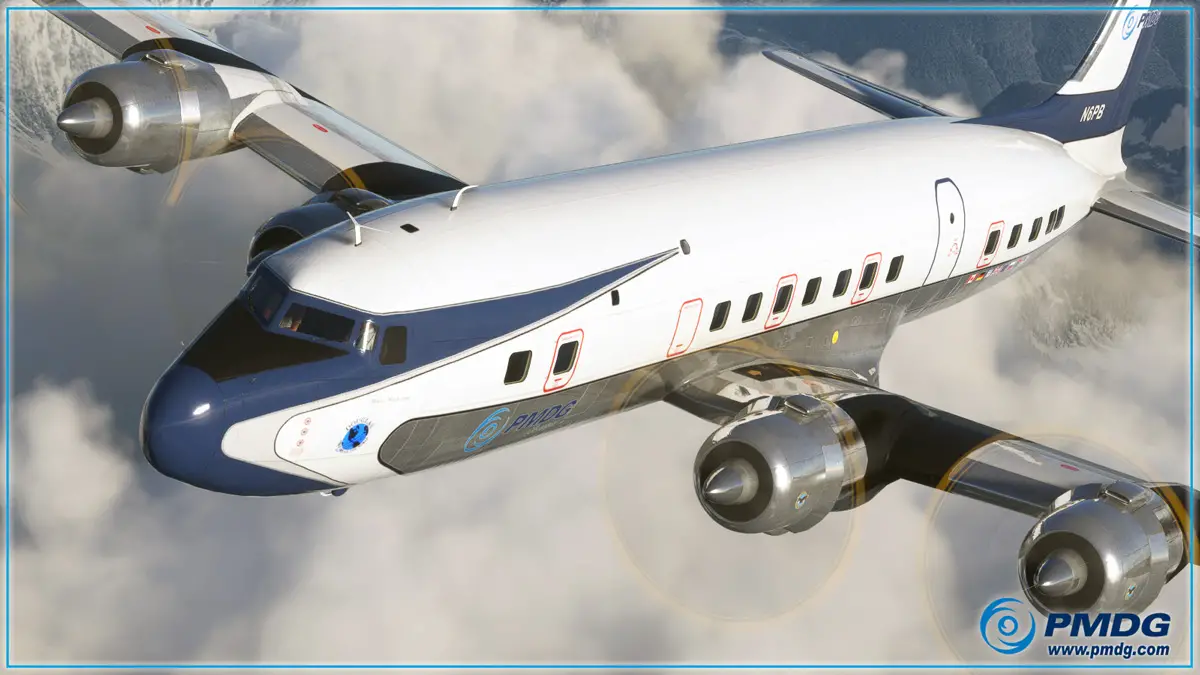
The Douglas DC-6 marked PMDG’s arrival to the latest version of Microsoft Flight Simulator, a supreme simulation of that classic airliner filled with immersive details. PMDG may now be busy completing the 737 collection and speeding up the 777 and 747 development, but that doesn’t mean the DC-6 has been left behind. In fact, PMDG continues to support the aircraft and has just pushed a new update this week that adds some of the latest simulator features to the package.
The main goal of this update is to ensure that the DC-6 keeps up with the latest simulator developments that are regularly implemented by Asobo and Microsoft. PMDG’s Robert Randazzo says that the team desires to “keep the state of the DC-6 moving forward with changes in the MSFS platform so that you will be able to continue enjoying the airplane as well as new features and technologies that get added to Microsoft Flight Simulator going forward.”
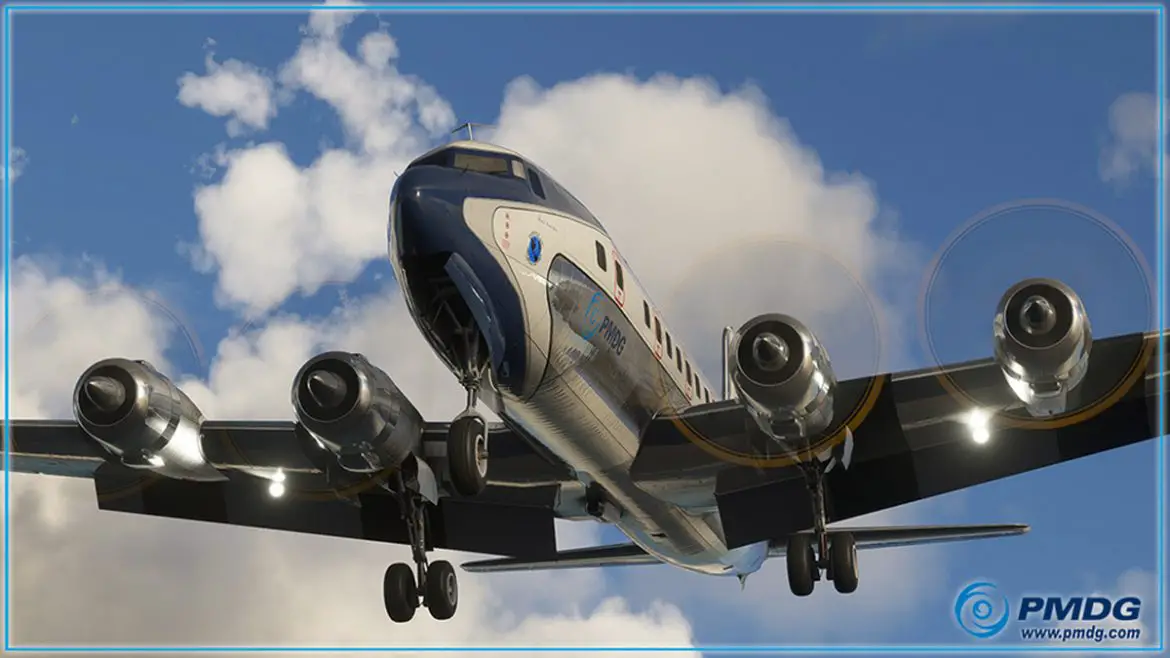
This update follows shortly after the launch of AAU1, a massive update to the platform that introduces a much improved new GNS430 system, courtesy of Working Title. The PMDG DC-6 can now use this improved equipment that features enhanced navigation and autopilot capabilities. Furthermore, the DC-6 is getting further flight model optimizations, improved graphics in the overhead panel, and more.
As usual, existing owners of the DC-6 can get the update through the PMDG Operations Center. Those who’ve purchased the aircraft through the Marketplace will have to wait a bit longer.
Main changes:
- Utilize the Working Title GNS430 for GPS and autopilot
- Flight model stability alterations and improvements
- Autopilot tuning and improvements
- Increase resolution and sharpness of some overhead panel placards
- Fix for gyro-pilot dropping out of NAV mode when disabling ALT HOLD
- GPS now correctly powers on/off/reboots with avionics master
- Fix to prevent gyro-pilot’s 2 minute ‘gyro erection timer’ interfering with gyro-pilot use when spawning already airborne airborne.