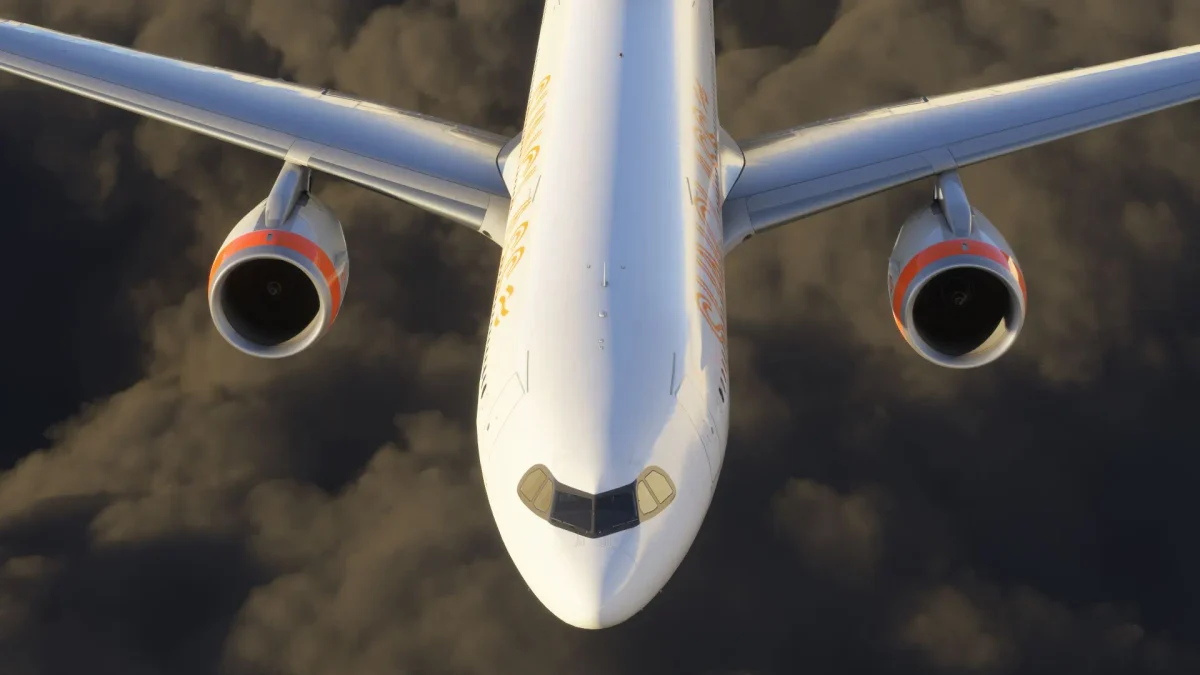
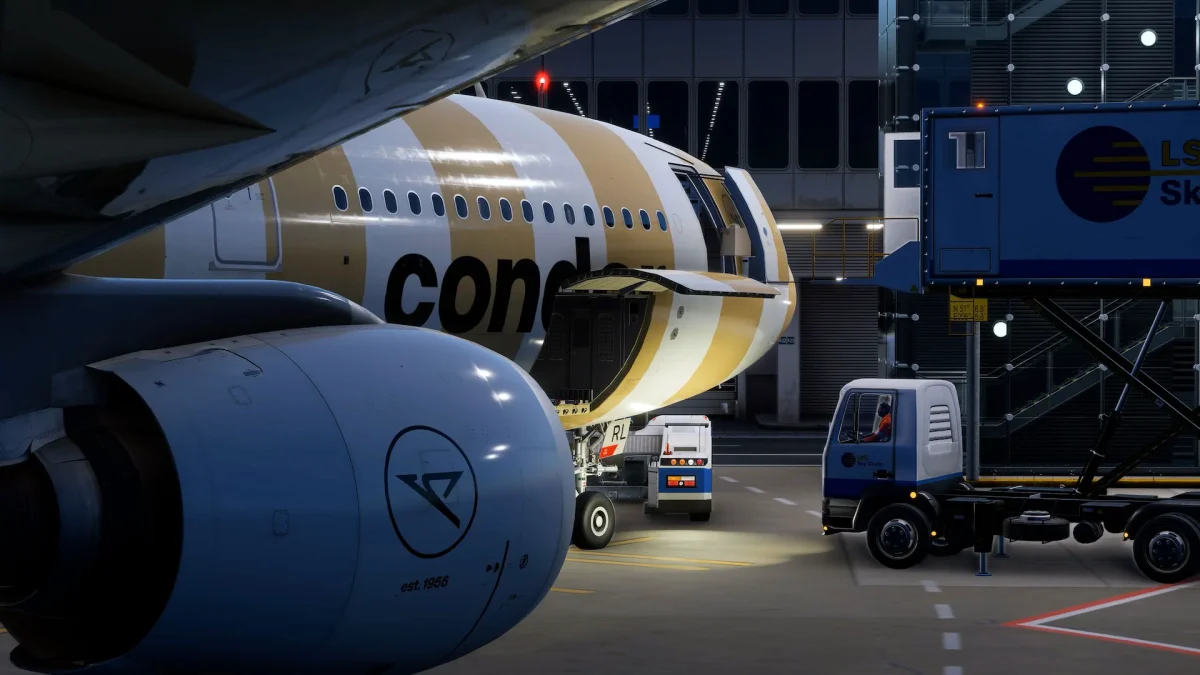
It took the better part of a year, but the wait is finally over. iFly has released Service Pack 1 for the 737 MAX, and it’s the final major update for the MSFS 2020 version of the aircraft. From here on out, the developer’s attention shifts fully to the MSFS 2024 native build.
This update has been a long time coming. We got our first look at the SP1 feature list last August, saw preview screenshots of the reworked cabin and engine bay in December, and just a couple weeks ago iFly described the update as “huge” while beta testing entered its final stretch.
In the release announcement, the team says listing every change “would require many, many pages” and that basically every part of the aircraft was reworked in some way, with help from technical advisors who are type rated on the real 737 MAX. The developer goes as far as saying SP1 could be described as a new product. And it is completely free for existing owners.
What’s in the box
The headline additions match what was previewed over the past months: a new tablet-style EFB mounted on the cockpit window frame, cabin voice announcements, a MAX 8-200 model with its distinctive extra over-wing exits, multiple cabin layouts, plus updated textures and sounds across the board.
Not everything made it, though. CPDLC, one of the more anticipated items from the original SP1 feature list, proved too difficult to implement in the MSFS 2020/2024 compatibility setup. iFly says it will have to wait, possibly arriving with the free MSFS 2024 native version down the line. On the GSX front, the aircraft remains compatible, but the developer warns that not all automated integrations like fuel trucks and catering will be functional, and FSDreamTeam will need to update GSX seated passengers for SP1.
Still “Experimental” in MSFS 2024
Here is where things get a bit more nuanced. SP1 is also available for MSFS 2024, but it keeps its experimental label. We covered the reasoning behind that designation when the MAX first landed in MSFS 2024 a year ago, and according to iFly, the situation has not fundamentally changed. The team says it will provide installation support for this version, but bugs will not be addressed, citing the random nature of issues encountered during testing. The developer attributes this to differences in MSFS 2024 that continue to shift with each sim update, and says the workarounds required for compatibility mode are simply not suited to the platform’s current state.
That being said, iFly says development of the native MSFS 2024 version is “well-along,” and based on the team’s earlier roadmap, the MAX 9 is expected to follow once that foundation is in place.
Before you install: liveries are a clean break
All previously installed liveries are incompatible with SP1, full stop. The new models, textures, cabin layouts, and the 8-200 variant mean painters need to rebuild their work using the updated paint kit, and you need to remove every old livery from your Community folder before installing.
The installation process itself follows the familiar iFly routine: uninstall all liveries and the aircraft through the iFly Manager, reboot your PC, then install version 1.1.0.0 (and grab the new installer if the Manager offers one). iFly also recommends exiting to the main menu and reloading the aircraft after first installation, which the team says ensures all systems load properly and improves performance.