








The developer behind FlightControlReplay, one of the most popular flight recording and replay tools for Microsoft Flight Simulator, is stepping into new territory. At FlightSimExpo 2025, Fabio Merlo and FlightControlTools announced their next creation: FlightControlSpotter, a new add-on for MSFS 2024 and 2020 aimed squarely at those who enjoy watching airplanes as much as flying them.
If you’ve ever found yourself idling at Heathrow’s 27R threshold in the drone camera, panning across lines of liveried 787s and A320s, this might sound like the add-on you didn’t know you needed.
At its core, FlightControlSpotter is a fully in-sim toolbar panel. There’s no need to alt-tab out or fire up external programs. With one click, you can:
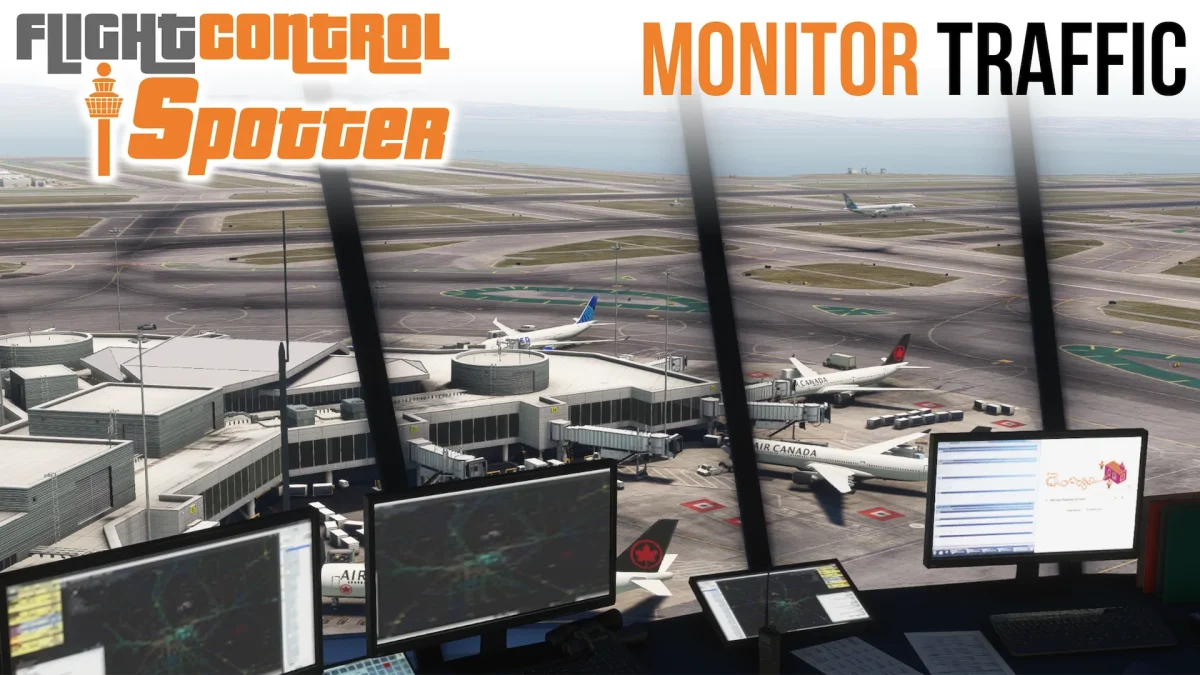
- Snap to the nearest tower and watch traffic roll past, complete with ICAO code and airport name on screen.
- Jump to any airport within 200 NM, choose a runway, taxiway, or stand, and save the location for later.
- Drop a custom spot anywhere—lat/lon, altitude, and all—and return whenever you feel like revisiting.
- Manage your saved spots from a dedicated panel, with local storage for privacy and fast loading.
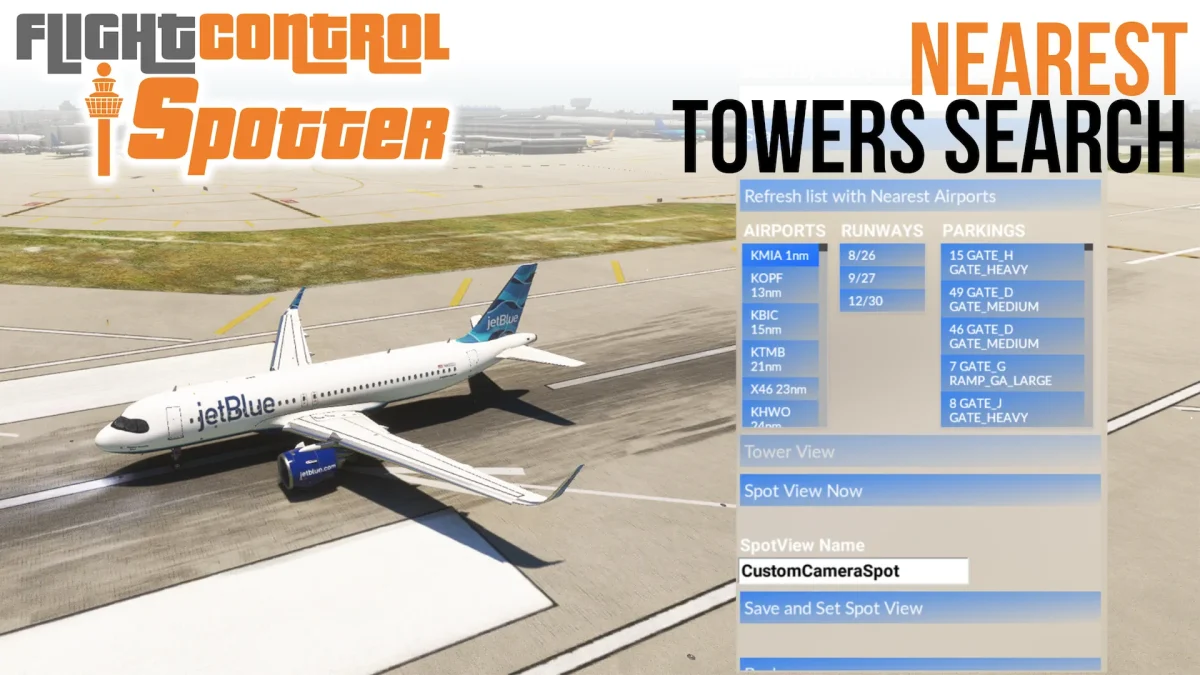

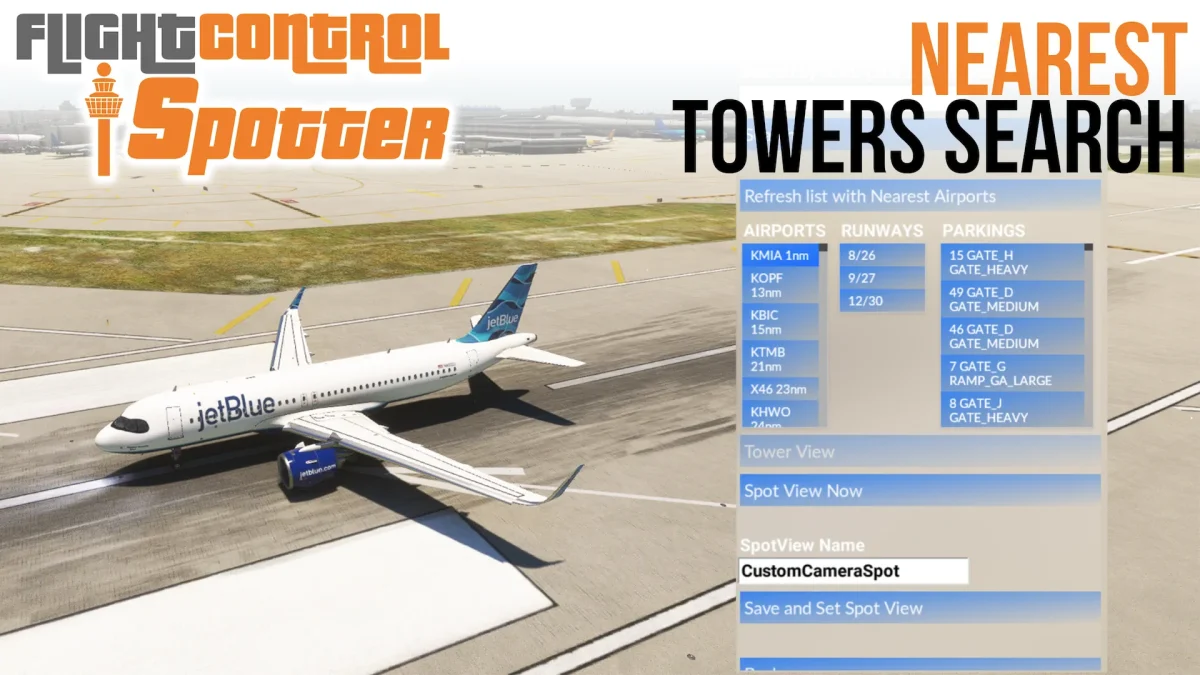
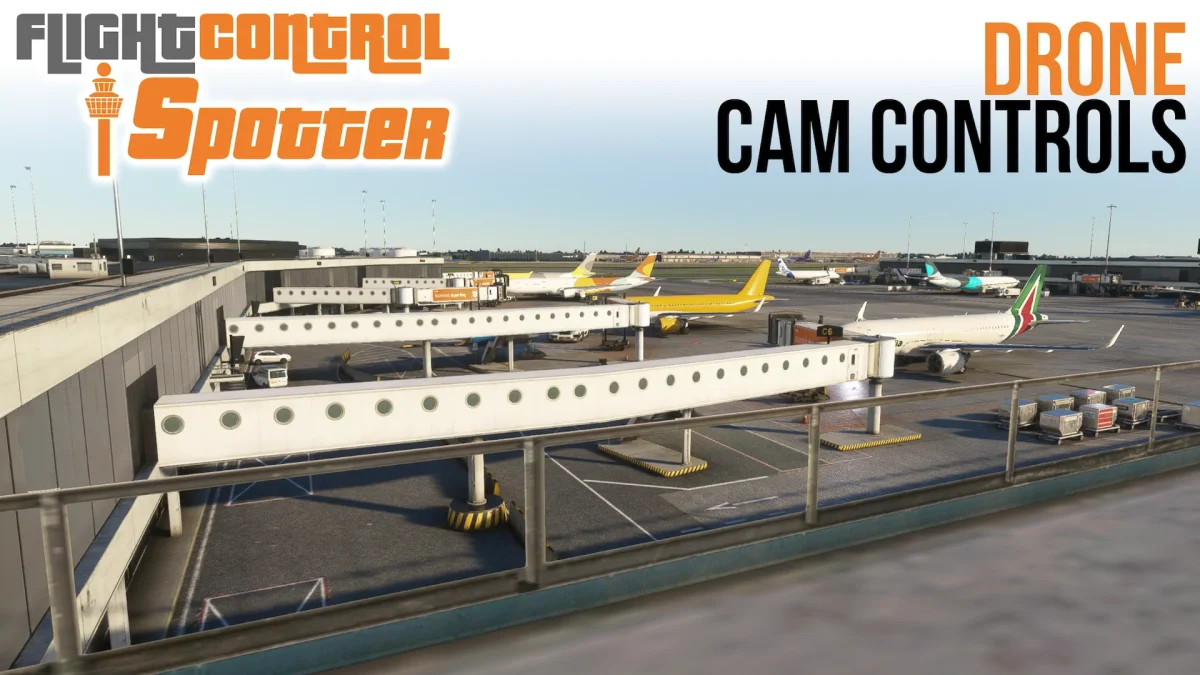

It uses MSFS’s native drone camera under the hood, so you get all the cinematic controls you’re used to (zoom, pan, rotate, fly through scenes) and a handy shortcut to regain aircraft control instantly.
The press release splits the audience into several potential groups: casual simmers who want “innovative points of view,” AI traffic spotters curious about airport operations, online event attendees following multiplayer chaos, and content creators in search of dynamic shots.
FlightControlSpotter is set to launch this summer on SIMMARKET, with options for:
- A bundle including FlightControlReplay 5.
- A standalone version for those only interested in the spotting features.
- A discounted upgrade for existing FCR5 owners.
An Xbox version is also on the roadmap via the MSFS Marketplace, though no timeline was shared. The developers describe pricing as “very reasonable,” but exact figures haven’t been revealed yet.
An official trailer created by AviationLads showcases the tool’s capabilities and is worth a watch if you’re curious about the interface and workflow.









