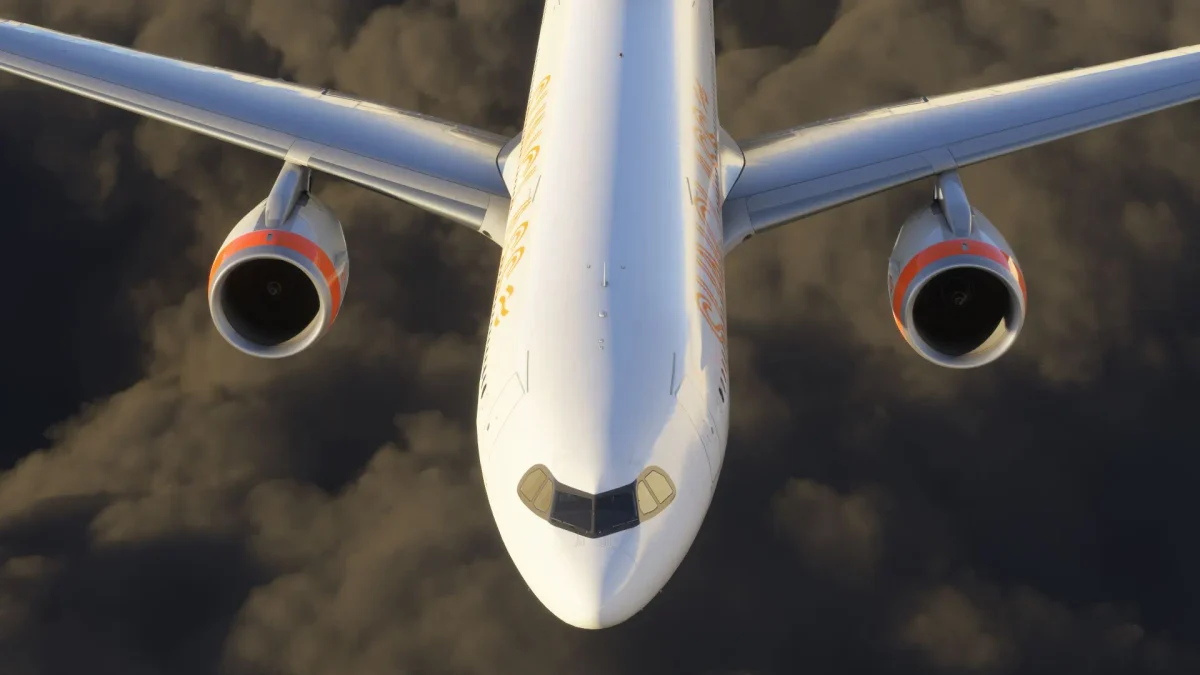
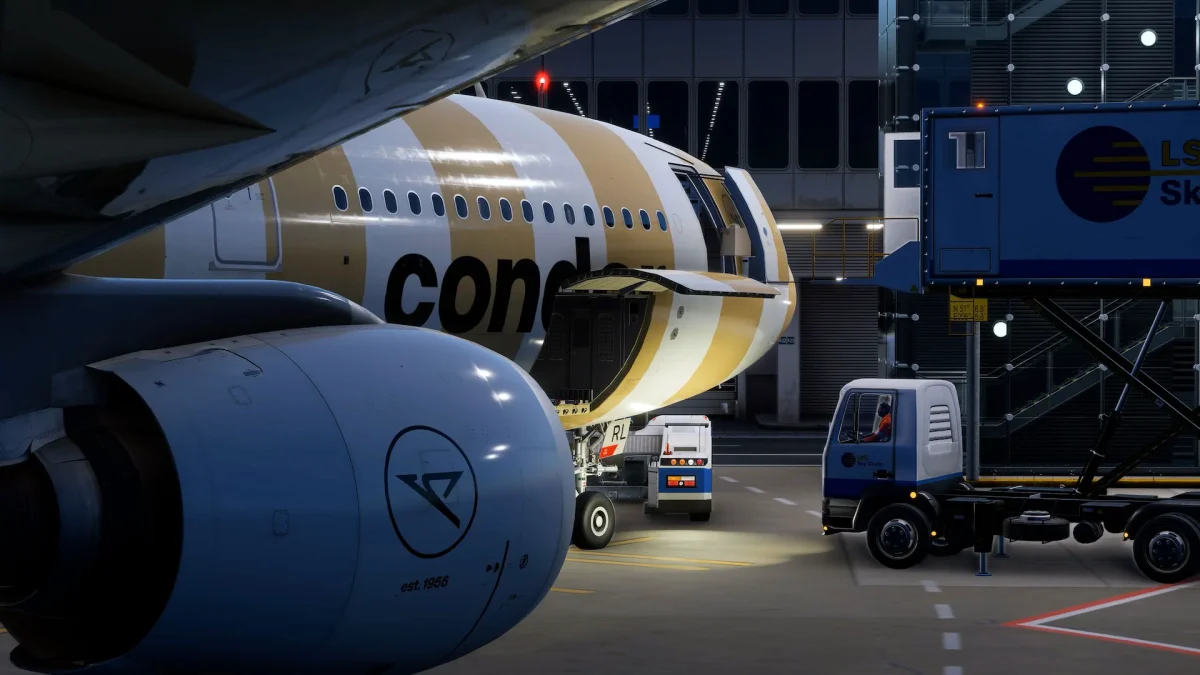
In a flight simulation landscape dominated by commercial developers and the introduction of controversial business models, the A380X by FlyByWire Simulations continues to stand out as something different — not just because it’s free, but because of what it represents.
This is a massive, collaborative undertaking to bring one of the world’s most complex airliners to life in Microsoft Flight Simulator, built entirely by a team of volunteers. And it’s not being rushed. Instead, the A380X is growing at its own pace, layer by layer, with an eye toward depth, authenticity, and long-term value.
Now at version 0.13.0, the aircraft has reached another important milestone. This update doesn’t introduce headline-grabbing new features — it’s more of a systems-focused refinement that tightens up behaviors, improves performance, fixes dozens of bugs, and lays more groundwork for what’s ahead.
Two flavors: 4K or 8K
First, a note on visuals. Version 0.13.0 is available in two variants: a 4K option that’s friendlier to VR users, frame generation setups, and modest GPUs; and an 8K full-res version that delivers the full visual experience, assuming your system can handle it.
FlyByWire recommends DX11 for the 8K version, and a HIGH (or lower) texture resolution setting for both. If you’ve got VRAM to spare, the 8K variant offers a sharper look inside and out, with optimized textures to prevent excessive load.

What’s new in the cockpit?
The Flight Control Unit (FCU) should now behaves much more like the real thing. For example, push the baro knob for STD, pull for BARO — simple and accurate. The team also added a metric altitude button, better QNH and altitude display during light tests, and automatic LS selection when arming LOC mode.
Meanwhile, the EFB has moved some controls into smarter places. Cabin lighting now lives in the Quick Settings menu, a pop-up telex consent step prevents unintentional messages, and door logic has been fixed to stop panels from swinging open mid-cruise.
FMS and autopilot
There’s been a steady drumbeat of improvements to the Flight Management System and the Automatic Flight Control System — particularly around constraint handling, approach selection, and TOD predictions. Layout bugs on the PERF and T.O. pages have been cleaned up, and a new ATCCOM connect page brings the aircraft closer to realistic datalink integration.
Support for simulation rate up to 4x has also improved, which is good news for long haulers who prefer not to spend 14 real hours flying across the Pacific.
Visual and structural polish
Visually, the A380X continues to be refined. The latest wing flex adjustments give the giant a bit more natural movement, especially during turns and turbulence. New cockpit bounce lights and working LOGO lights add a few more points of immersion for those late-night departures.
And for those of us who obsess over camera angles, the showcase and pilot view cameras have been reworked for better framing.
Systems depth expands
One of the more interesting themes in this update is the expansion of failure simulation and backend systems logic. Rudder trim behavior now includes SECs, pressurization failures now display proper ECAM messages, and FADEC logic has been refined to better handle abnormal conditions (including engine fires and N1 fan protection routines).
Hydraulic behavior, oil pressure curves, fuel recalibration… these and other improvements quietly bring the aircraft’s logic and depth closer to what you’d expect from a premium simulation.
Performance tweaks and bug fixes
Version 0.13.0 also targets performance and UX. Memory leaks have been cleaned up. ND terrain mode no longer tanks your frame rate. And a surprisingly long list of bug fixes touches nearly every subsystem, from the EFB to the TELEX, the MFD to the PRIM.
The full changelog is available at the FlyByWire website, where you can see everything new and changed in this latest build of the A380X.
MSFS 2024 Support
It’s worth remembering that, although it’s still officially developed for MSFS 2020, the A380X has been confirmed to work in Microsoft Flight Simulator 2024, thanks to the sim’s backward compatibility. That said, FlyByWire is expected to further optimize the aircraft for the new platform as development progresses.
You can download the latest version via the FlyByWire Installer.