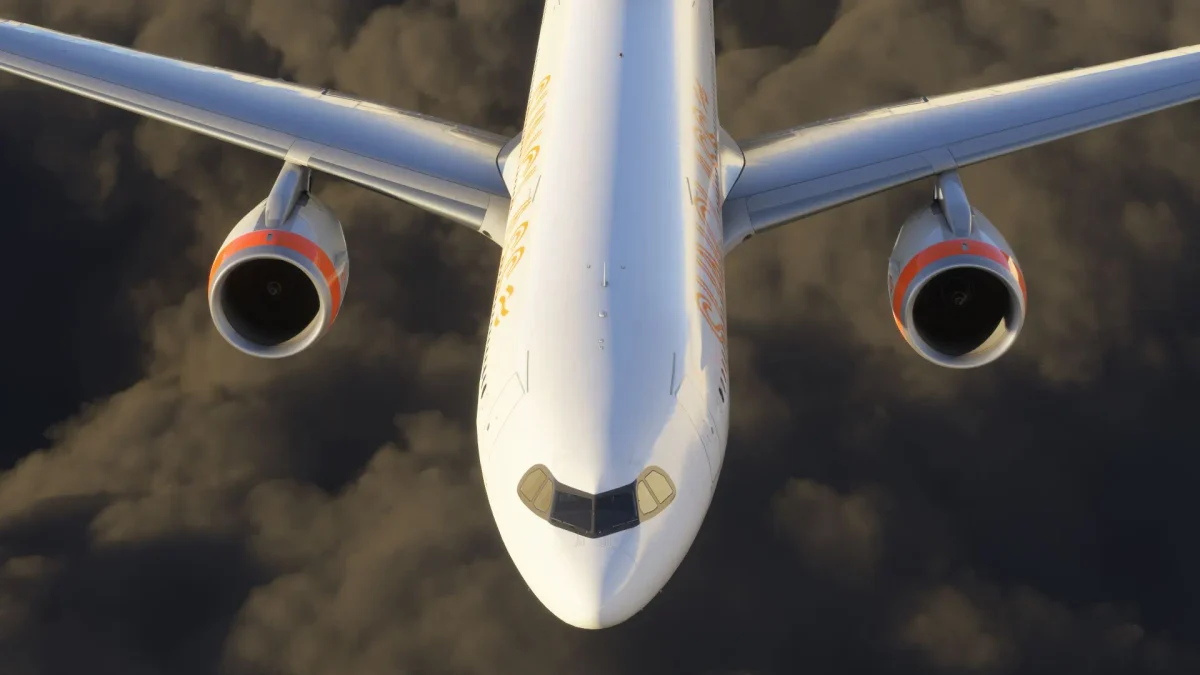
The beta testing process for Sim Update 2 in Microsoft Flight Simulator 2024 continues to move forward at a steady pace. The latest iteration, build 1.4.11.0, introduces a new set of refinements across various areas of the simulator, with a strong focus on stability, user interface enhancements, and ongoing work on the new EFB.
This update addresses several issues, including problems with jetway animations and flickering airport lights. It also brings improvements to scenery rendering and resolves a crash affecting virtual reality users on HDR monitors.
The EFB, which continues to evolve as one of the simulator’s central tools for flight planning and inflight data management, receives a long list of usability upgrades and layout refinements in this build. These include adjustments to route input handling, interface organization, and performance calculation logic. Support for manual weather data refresh and new logic for cruise altitude and speed inputs are also included.
Other areas touched in this release include fixes to the 737 MAX 8’s cold weather engine start behavior, updates to FlightControlReplay compatibility with third-party aircraft such as the iniBuilds A350, and several improvements to development tools, particularly in the SDK and Scenery Editor.
As always, beta participants are reminded that progress in Career Mode and Challenge League is not retained across updates, and multiplayer remains isolated between live and beta builds. Users experiencing loading issues or instability are advised to review the contents of their Community folder to rule out conflicts from third-party packages.
Build 1.4.11.0 is now available to all players enrolled in the Sim Update 2 Beta on both PC and Xbox platforms. While a specific release date has not been confirmed, the development team previously indicated a target for release by the end of April.
RELEASE NOTES Sim Update 2 – Beta – 1.4.11
General Bug Fixes
- Fixed jetways not connecting properly
- Fixed flickering airport lights
- FlightControlReplay (FCR) Updates:
- Added IniBuilds A350 enhancements for replay.
- Fixed a bug where FCR control panel window would disappear after attempting to use external pop out.
- Fixed a bug in FCR where toggling visibility for ghosts would cause them to fall back behind their offset position.
- Fixed a bug in FCR where ghost aircraft would remain invisible until their positional settings are changed.
Aircraft
Boeing 737 MAX 8
- Fixed an issue where the engines would not start in cold conditions.
EFB
- Fixed an issue where aircraft performance profiles could become stuck or stale when changing airplanes.
- Fixed an issue where the weather page would not show the weather data on the first load.
- Fixed an issue where the cruise speed was not always showing round numbers and increased input field size to prevent numbers being clipped.
- Fixed an issue where the map would re-center when clicking on coordinates that do not correspond to a facility.
- The weather page now shows the nearest available METAR and TAF data if the selected facility does not have any data.
- Pressing the Enter key in the Route String dialog will now save changes instead of adding a line break when the “Save” button is enabled.
- Added buttons to the enroute section that open the route string dialog, removed “add waypoint” button from the collapsed enroute section summary.
- Adjusted spacing and button sizes of the page layout.
- Removed the disabled “Profile view” button from the map toolbar to declutter the interface.
- The app will now prioritize the facilities from the flight plan to be displayed on the map.
- The charts provider toggle is now only visible for regions where FAA charts are available.
- Added a “Refresh” button to the weather page to manually update the weather data besides the 5-minute automatic update interval.
- Added runway entries to waypoint lists.
- Added a “Recenter on current route” button to the map toolbar.
- Extra fuel and payload now affect performance calculations, fixed issue when using aircraft profiles in trip fuel not always being re-calculated.
- Fixed the cruise altitude and speed inputs having no effect on performance calculations.
- Added missing translations to the Chart List page.
- Moved the VFR Pattern option to the top of the procedure list for better visibility.
- Optimized chart data fetching, reducing unnecessary data loads.
- Added warning to the cruise altitude selection if the selected cruise altitude cannot be reached
- Added automatic cruise altitude calculation based on the selected aircraft and the given route.
- Added a loading spinner and a “No charts available” message to the Chart List page.
- Moved flight plan management buttons to the header and grouped them by action. Added tooltips for every icon-button.
- Adjusted the styling of the Flight Details page so that it is more consistent with other pages.
- Facility Search Bar result items (facility icon, icao and facility name) are aligned horizontally.
- Closing Facility Info Pages will clear the Facility Search Bar.
- Added a bounds verification to georeferenced charts to fix the issue where the aircraft icon was displayed in the wrong position.
Airport
- Fixed projected mesh not using the correct texture mips, causing block artifacts on the ground
Virtual Reality
- Fixed a 100% crash on enabling Quad Views when using an HDR monitor on Windows
DevMode
- Added a “First Flight” mission (FIFPLN) sample in the Career Tool
- Added an option to trigger floating point exceptions from WASM modules
Scenery Editor
- Fixed regression due to terraformer falloff not correctly flattening the TIN
- Fixed big UV shift for aprons from MSFS2020 package
SDK
Samples
- Updated Cabri G2 sample
- Updated DA62 sample
SimConnect
- Fixed a regression where aircraft would spawn continuously on the same parking