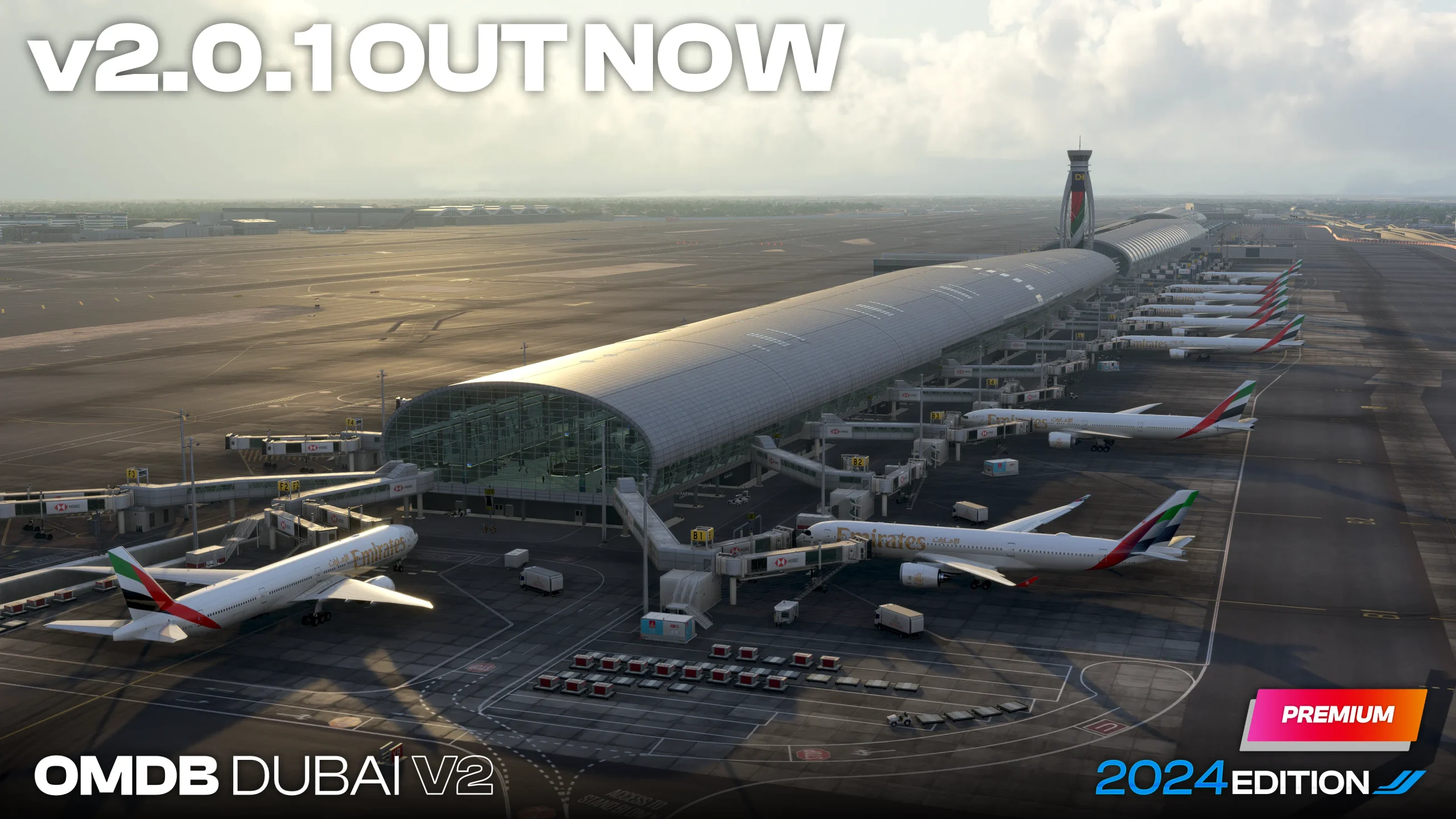
Reading our review of iniBuilds Dubai Airport Premium, also known as the Dubai International Airport V2, you’d think this was a nearly flawless airport. Well, it wasn’t actually, since we pointed out a few items that needed attention, namely in performance. However, it seems some missing textures and “floating” objects were found after release, needing some polishing work. iniBuilds was on it right away.
The changelog of this first update isn’t very extensive and doesn’t really address performance optimizations that we would all welcome. It does, however, fix some missing textures in some areas, some misplaced signs and floating tracks, cars and cameras. If you’ve ever dwelled on the scenery developer mode in MSFS2024 you will notice how object elevation can be so “finicky”. So we can understand the need to constantly track and fix these minor items.
The biggest highlight for us is related to the latest ground mesh added. As pointed out in our review, this new mesh did add some new sloped areas on the taxiways. This appears to have generated some complaints, probably causing some unwanted incursions on the taxiways or runways, especially mid-runway.
Changelog – iniBuilds Dubai Airport Premium v2.0.1
- Fixed – Missing Textures on engineering centre
- Added – Walk meshes
- Fixed – Train tracks disconnected and floating
- Fixed – Runway 30L Misplaced lead-in arrows
- Fixed – Floating Camera – Gate F20
- Fixed – Some terrain issues by the Emirates departures/arrival car area
- Fixed – Floating car in departure areas
- Adjusted – Mid-runway entry points should now have a much gentler slope.
In our iniBuilds Dubai Airport Premium review we said that this scenery is “an incredible “show of force”, demonstrating what you can do with the right skill and the willingness to exceed expectations”, and also that it was “a true showcase of how immersive and detailed you can get in Microsoft Flight Simulator 2024, establishing a completely new level of quality”. However we also said that there’s “a performance drop with so many objects and high-definition textures, more noticeable when you add your own highly detailed plane, many AI traffic models and that extreme weather you like to tackle.” Read more about it here.