
It has been a known quantity on the roadmap for some time, but the release of iniBuilds’ rendition of Dallas Fort Worth (KDFW) for Microsoft Flight Simulator 2024 is now officially imminent. After confirming the project last month, the developer has broken its silence with a comprehensive feature deep-dive and a cinematic trailer, signaling that the “Coming Soon” tag is about to be removed.
For the flight simulation community, specifically those flying American Airlines routes, this is a huge release. DFW has historically been a difficult airport to capture in flight simulation due to its sheer footprint: five terminals, seven runways, and a web of taxiways that can bring even high-end PCs to their knees.
A native MSFS 2024 experience
The primary question surrounding any mega-hub release is performance. iniBuilds is tackling this head-on by utilizing the latest SDK features exclusive to the new simulator platform. The developer states they have implemented aggressive LOD optimization for every model. This is critical for an airport of this size, where the difference between a stutter-free final approach and a slideshow often comes down to how well the scenery engine manages object culling.
This focus on the new platform allows for density without the usual penalty. The scenery features over 180 hand-crafted models, yet claims to maintain smooth performance. A bold promise that will be tested as soon as the community gets their hands on it.
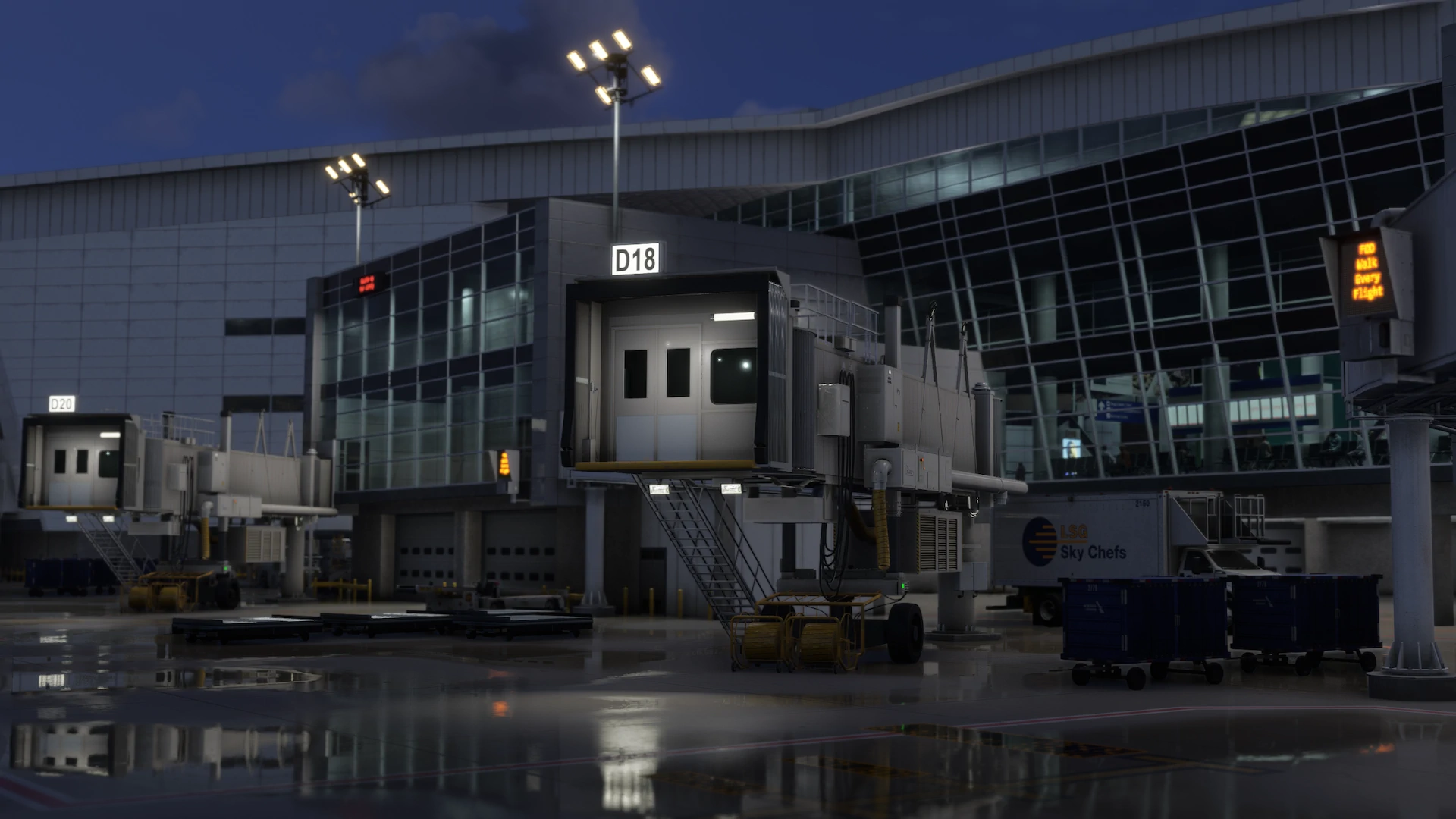
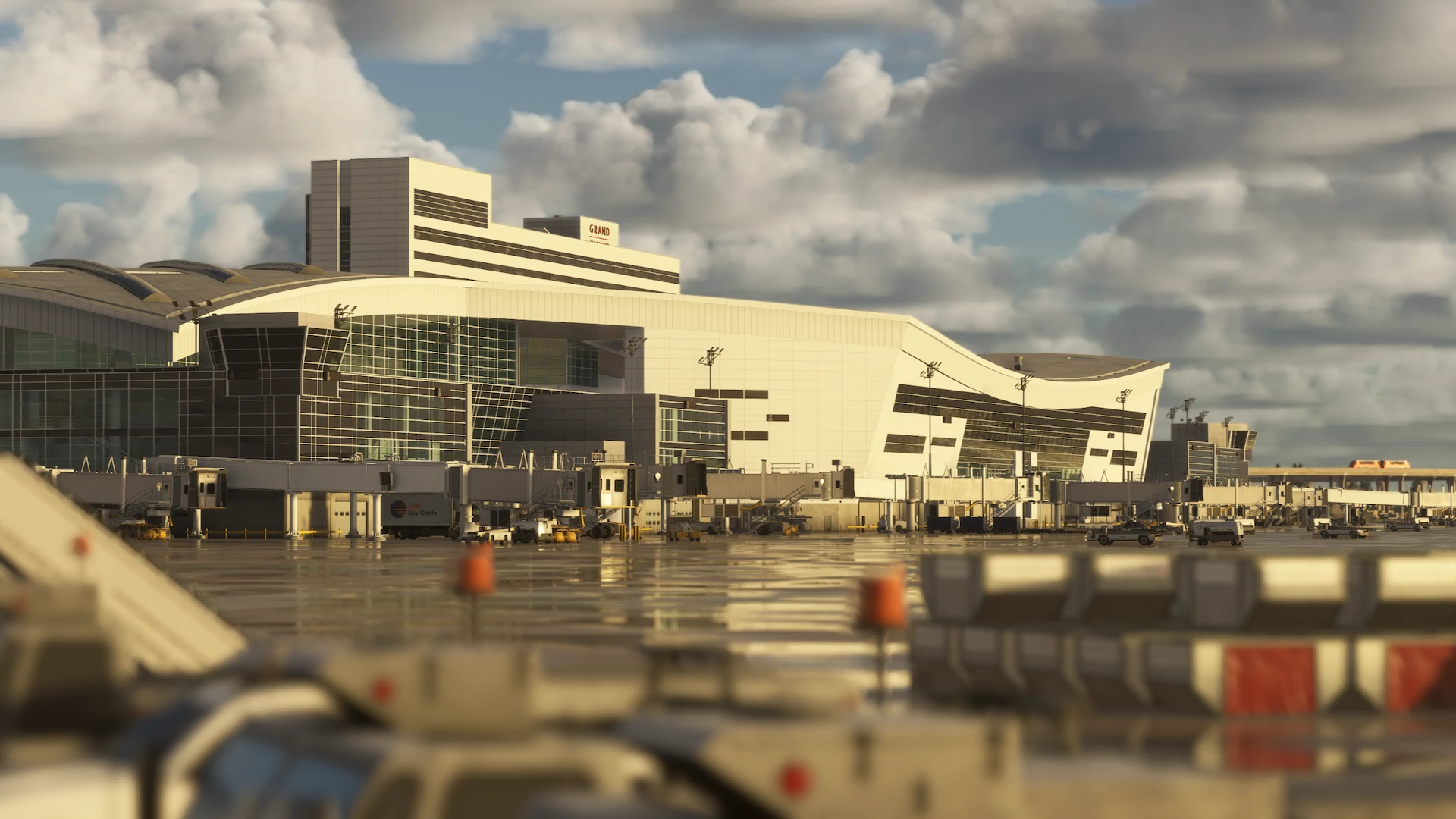
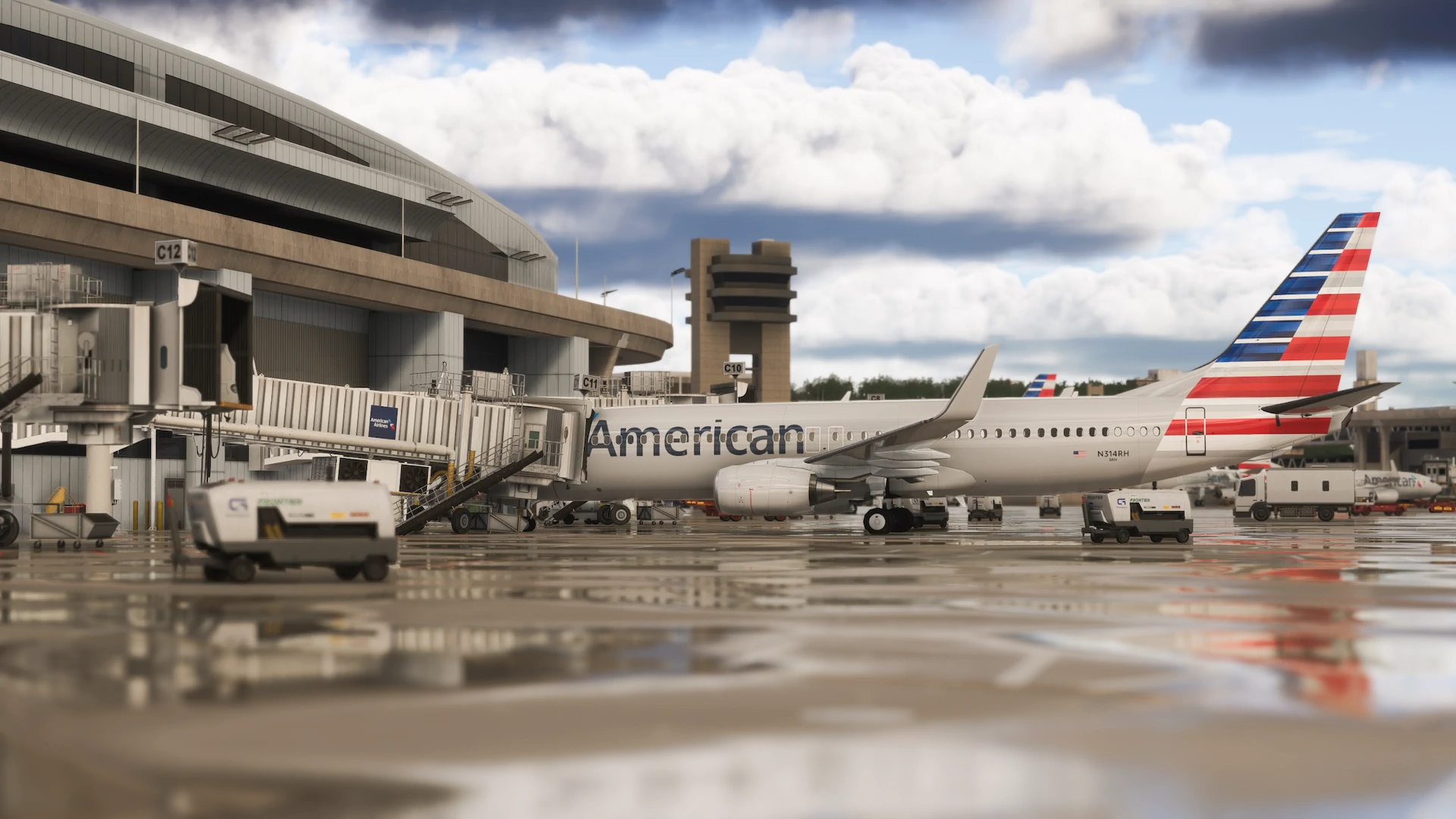
Future-proofing the layout
Interestingly, iniBuilds isn’t just modeling the airport as it sits today; they are modeling where it is going. The ground poly and layout are updated to match the real-world 2026 specifications. This includes custom construction zones and active development areas that mirror the massive infrastructure projects currently underway in Texas.
Beyond the concrete, the “soul” of DFW lies in its movement. The scenery includes a fully modelled and animated Skylink Air Train system connecting the terminals, a feature that is often omitted or static in lesser sceneries but is essential for the visual identity of DFW. Additionally, the complex elevated taxiway bridges that cross active roadways have been recreated, a detail that adds significant verticality and visual interest to ground operations.
Release Timeline
While we don’t have a calendar date locked in, the developer’s language suggests the release is just around the corner. The team is currently finalizing details and aims to have a pre-release build ready for a community showcase “early next week.” Typically, when developers reach the “streamer showcase” phase, the public release follows very shortly after.
You can watch the new trailer below to see the scenery in action:
Full feature list:
- Detailed elevated taxiway bridges crossing roads
- Custom construction zones and active development areas positioned around the airfield to reflect real-world expansion
- Fully modelled and animated Skylink Air Train system connecting all terminals
- Hand-made ground textures with crisp, bespoke texture sets for runways, aprons, paths, and roads
- True-to-life airport landside recreation with custom ground decals, signposts, vegetation, parking barriers, and more
- Accurately modeled and positioned dynamic airport lighting for enhanced realism
- 180+ hand-crafted models featuring custom-made buildings, vehicles, and objects
- Hand crafted terminals with crisp textures providing a fresh, modern appearance
- HD jetways with intricate details enhancing the airport’s realism
- Highly detailed models of all airport buildings, objects, and surroundings
- Full HD ground poly matching the 2026 airport layout
- Up-to-date airport layout reflecting the current, real-world location
- Official GSX profile included in the scenery folder and iniManager download
- Level of Detail (LOD) optimization for every model ensuring the best performance possible
- Use of the latest MSFS2024 SDK features for optimal performance and smooth experience
- Bespoke taxi signage true to real-world specifications
- Full iniManager compatibility allowing easy configuration for optimal performance on your system