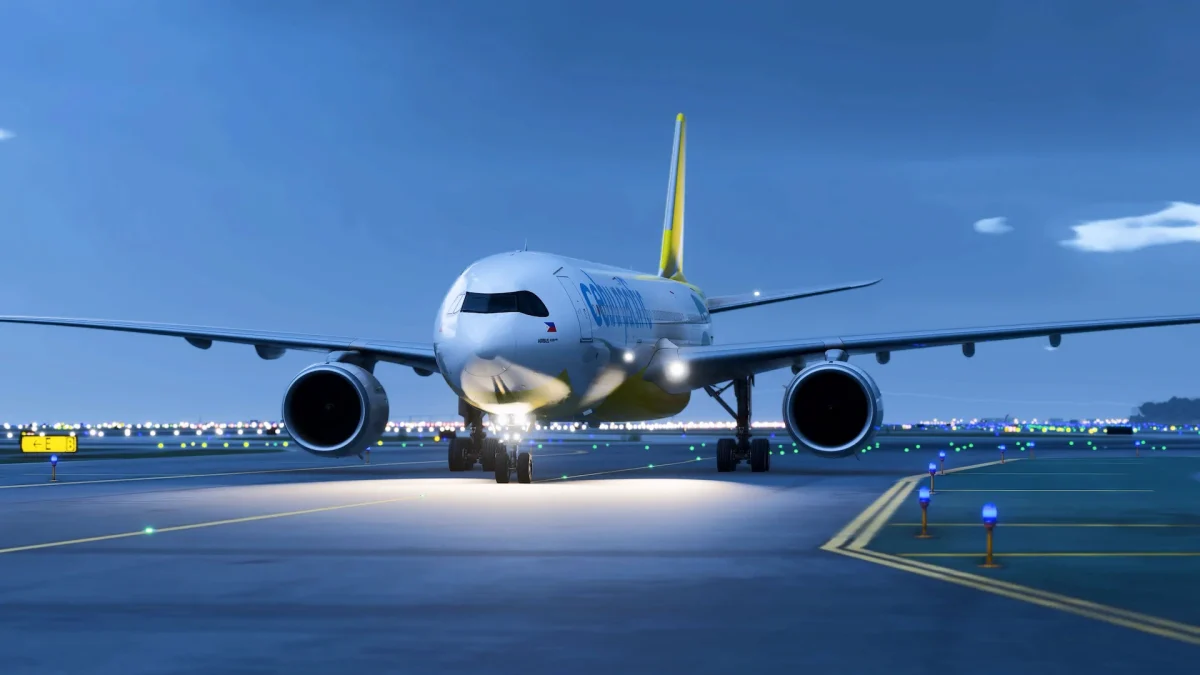
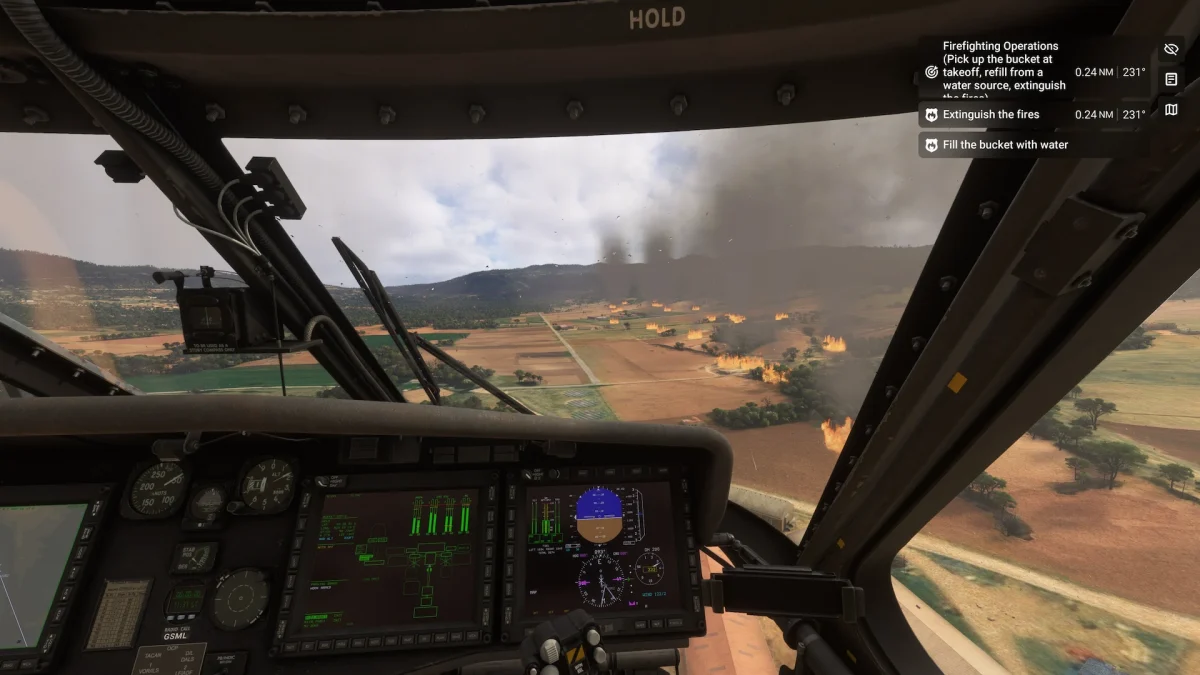
Fenix Simulations has just released BFU Patch 2 for its A320 CEO family, continuing the post-update fine-tuning that began with July’s Big Fenix Update. This latest patch introduces meaningful changes to how the aircraft feels in your hands, how the engines respond to speed trends, and even how the wind sounds through the cockpit windows.
The headline change is the autothrust overhaul. Until now, the Fenix A320 kept speed and altitude under tight control, but often with a heavy hand—it would wait too long to respond to a speed drop before slamming in thrust, almost like a video game rather than a real Airbus.
With Patch 2, that behavior has been rebuilt from the ground up. The new system anticipates and smooths thrust changes, broadening the tolerances to allow for more natural handling. Simmers may notice the aircraft sitting a few knots off target without immediate correction. That’s intentional, and it mirrors the real aircraft, which trades off speed and altitude variations for passenger comfort and fuel efficiency, especially during Soft Cruise (ALT CRZ).
Manual handling also gets attention in this update. The fly-by-wire roll channel has been retuned to better reflect the inertia of the real aircraft. Fenix reports testing across three different level-D simulators—each of which felt slightly different—before blending that data with feedback from type-rated pilots. The result is a more believable roll response, particularly in the “snap” phases of control.
Sound designer Dave has been busy addressing the quirks that came with July’s new sound system. Patch 2 clears up issues with the CFM56 engine set and introduces new wind recordings in both the flight deck and cabin, helping the aircraft feel more alive in cruise and descent.
Under the hood
On the infrastructure side, Fenix has made “significant improvements” to the display rendering system, simplifying options in the Fenix Launcher and improving performance. The update also adds a convenient “restart display” button for when systems are running but displays have failed.
There’s also a long list of visual and EFB fixes, from resolving blurry cockpit decals in MSFS 2024 to synchronizing imported flight plans across all EFB instances.

Commerce gets an update too
One small but notable change: Fenix is expanding its payment options. Customers in China can now purchase directly using Alipay and WeChat Pay, while Dutch simmers have support for iDEAL.
The full changelog (version 2.4.0.2225) runs deep, covering everything from FADEC start valve logic to corrected A321 wing textures. Check it out below!
Avionics and Systems
- Reworked roll PID behaviour
- Retuned roll channel for all variants in accordance with new roll PID behaviours
- Reworked A/THR: better estimation of required thrust changes, improvements to APPR mode, and improvements to SOFT ALT, fixed sluggish behaviour when moving throttle lever to limit N1/EPR
- Added sim rate reset LSK
- Added a “restart display” button to the launcher for instances when the systems are running, but displays have failed
- Added Y HYD STEERING to the list of livery-configurable options (fnx_yellow_hydraulic_steering)
- Improved rendering pipeline (removed display sync option)
- Improved launcher UI around restarting displays, safe mode, and CPU rendering
- Fixed the start valve position showing incorrectly when the FADEC is unpowered
- Fixed incorrect handling of UserCfg.opt files
- Fixed RMP standby frequencies not being settable from the simulator (e.g. via SimConnect events)
- Fixed stuttering/freezes when switching ND modes/heavy rendering
- Fixed INVALID WIND UPLINK not showing
- Fixed DMC switching not waiting for the self test to complete
- Fixed flight number showing on F-PLN when offset
- Fixed metric altitudes on PFD not being rounded to the nearest 10 m
- Fixed sometimes being unable to open/close cargo doors
- Fixed potential crash in SimConnect code
- Fixed launcher being stuck on “starting Fenix”
Art and Sound
- Added WXR INOP sticker (visible when safe mode rendering is on, it should be off to see WXR on the ND)
- Improvements to sounds, particularly CFM
- Improved wind recordings and volume level across cabin and flight deck
- [2024] Fixed THS wheel indicator animation looping
- [2024] Fixed windows not being hidden when the cabin is disabled
- [2024] Fixed cockpit text having blurry decals
- [2024] Fixed D1L closing when switching walkaround modes
- [2024] Fixed pilot not being visible
- [2024] Fixed A319/A321-specific cockpit decals not being used
- [2024] Fixed incorrect A321 speed placard
- [2024] Fixed incorrect wing emergency exit roughness on A319
- [2024] Fixed cargo door handle not locking in position
- [2024] Fixed holes in A321 cabin
- [2024] Fixed right landing light only turning on if the left was turned on
- [2020] Fixed high altitude landing dots overlapping annunciator
- [2020] Fixed maintenance bus switch not working
- [2020] Fixed external power panel being closed when GPU is connected
- [2020] Fixed cargo bay lights being overly reflective
- Fixed hydraulics playing when switching views
- Fixed cargo station decals rendering incorrectly
- Fixed high altitude landing button inverted
- Fixed hole in latch when cockpit door closed
- Fixed cargo door handle not opening far enough
EFB
- Added synchronisation of imported flight plan between all EFB instances
- Added EFB sleeping when activating Cold and Dark panel state
- Improved resilience of EFB connection to systems
- Fixed duplicate preliminary loadsheets sending
- Fixed METARs being fetched for invalid airports
- Fixed errors in loadsheet generation
- Fixed errors when attempting to load custom PDFs
- Fixed weights being modifiable when boarding is in progress or finished
- Fixed user fuel changes not being applied to loadsheets