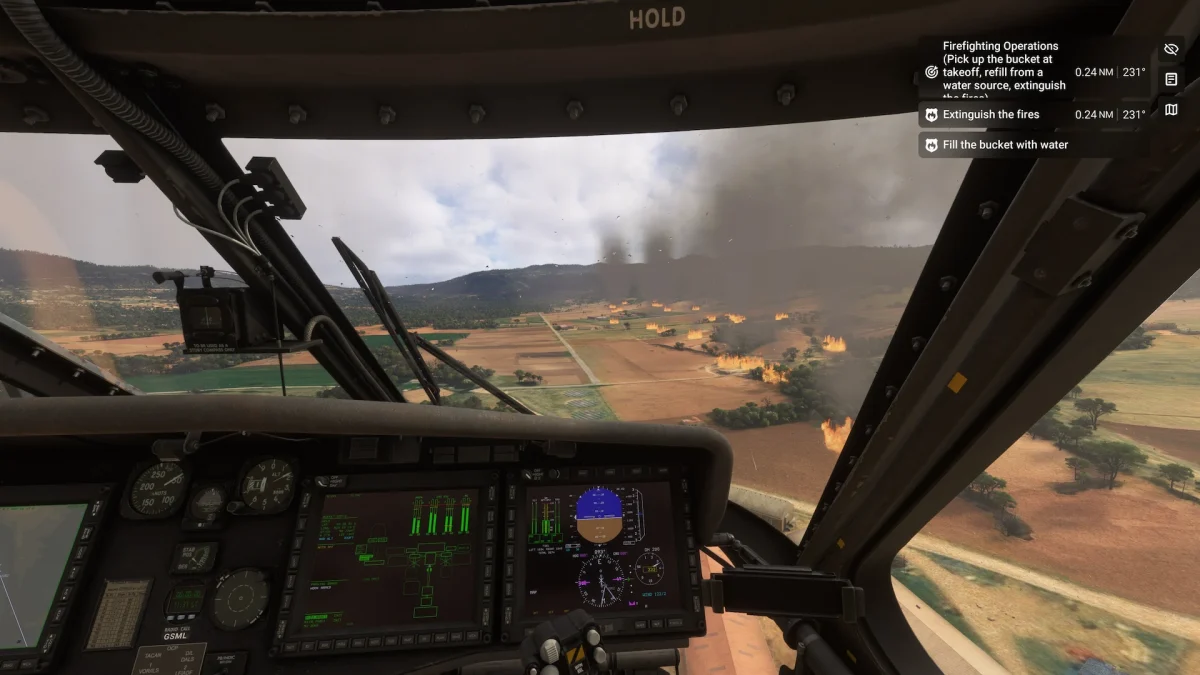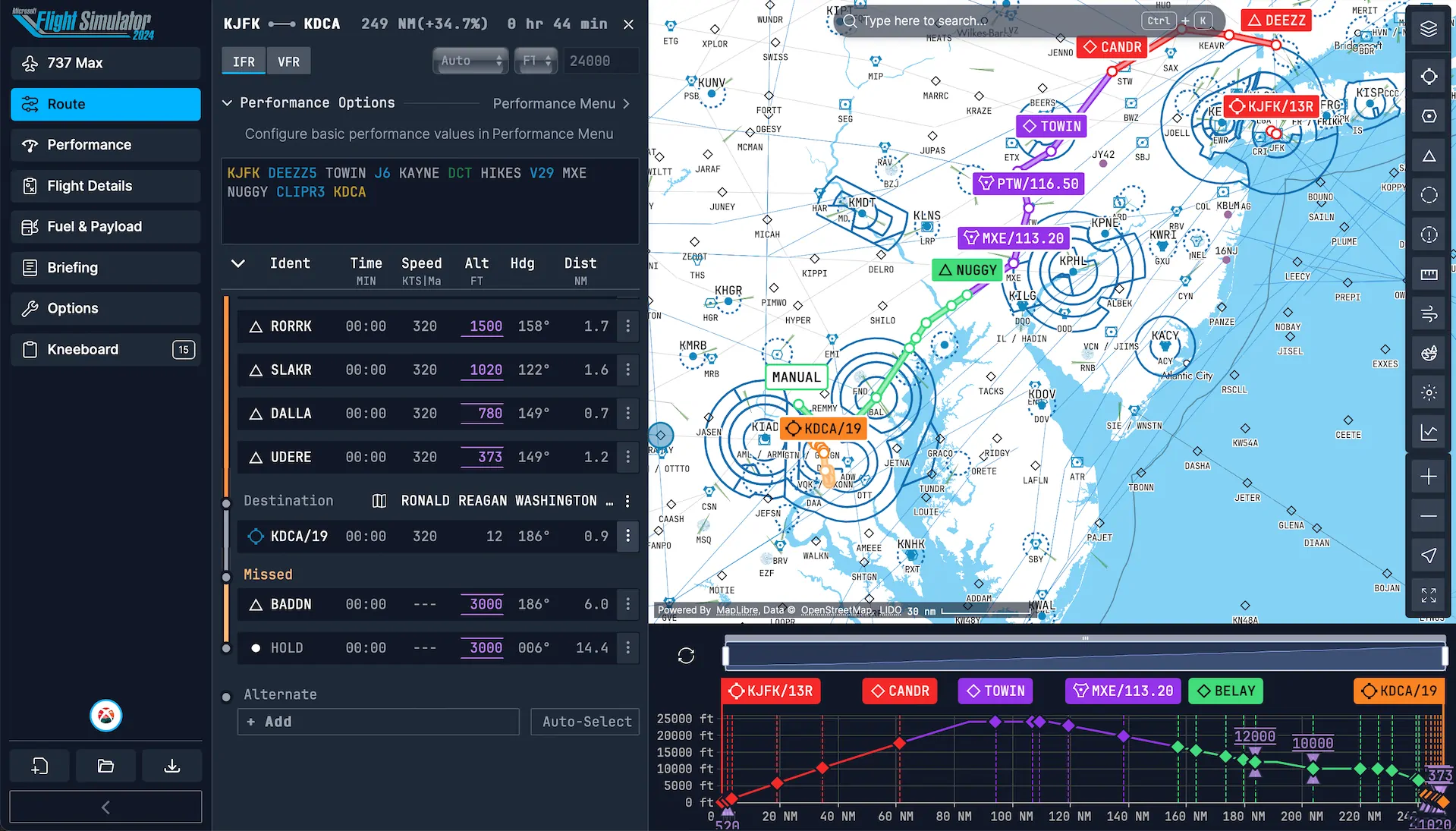
Sim Update 2 for Microsoft Flight Simulator 2024 is now out and brings with it a substantial set of improvements across various areas of the simulator. Among the highlights are significant updates to the in-sim EFB and the web-based flight planner, alongside a range of avionics, ATC, and aircraft systems enhancements delivered by the Working Title team.
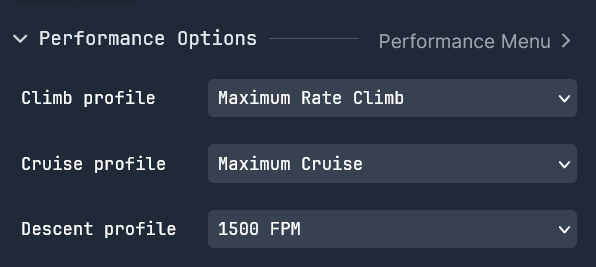
One of the key areas of focus in SU2 is the EFB’s route planning page, which has been overhauled. The page now features a retractable map pane, aimed at improving situational awareness during flight planning. Additionally, the first iteration of aircraft performance-based planning is now available for selected aircraft. According to Working Title, simmers can now choose between different climb, cruise, and descent profiles, with the system offering predicted fuel usage on the fuel & payload page based on these profiles.
For aircraft without integrated performance data, a set of expanded manual performance inputs has been introduced, allowing users to enter custom data to generate more accurate predictions. When using the AUTO cruise altitude option, the planner will attempt to select an appropriate altitude based on the available performance data.
These same functionalities have also been integrated into the web-based planner at planner.flightsimulator.com, which now supports custom aircraft profiles with specific performance data.
Another major addition is the introduction of a fully featured Vertical Situation Display (VSD), accessible via the map display settings. This feature provides a graphical preview of the predicted vertical path and wind data along the route. Furthermore, the OFP and route pages have been revamped, now displaying detailed predictions based on the selected performance data.

Beyond the planner, the update also addresses several ATC-related issues, including updates to phraseology, fixes to repetitive altitude requests, improvements in descent handling, and corrections to arrival and approach selection logic.
Other avionics and aircraft improvements include:
- Autopilot and VNAV smoothness and capture improvements in Boeing aircraft.
- Engine spooling and startup enhancements for Boeing aircraft.
- In-aircraft checklists for the CJ4.
- Numerous fixes to the Vision Jet, including the long-requested IPS STALL RESET functionality and EPS threshold adjustments for improved handling near Vref.
- Default chart support for the G3000/5000, G3X Touch, and Epic 2 systems, which also received their first VSD integration.
Finally, AIRAC cycle 2505 has been published across all simulator platforms.
Check out the full changelog below!
2025-05-15
Added
- Performance Calculations Introducing the first version of automatic performance calculations in Flight Planner. A performance-based path calculation will compute altitude, speed, fuel and time predictions at each point along your route
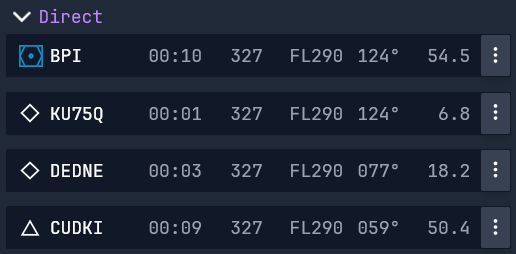
- Vertical Situation Display Added Virtual Situation Display (VSD) which displays aircraft vertical path, winds aloft, nearby facilities/airspaces (on right click) and procedure constraints
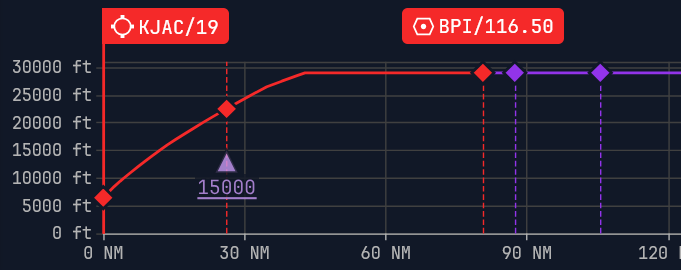
- Route Added selection of performance profiles for aircraft possessing them, and manual basic performance data input for others
- Aircraft Selection Aircraft profiles can now be created and shared using links
- Route Added text chart button to Departure section for SIDPT charts
- All The state of the application will now be continuously saved in the browser and automatically restored when reopening or refreshing the page
- Nav Data Updated to cycle 2505
Changed
- Map Updated map labels for all navaids that share the same coordinates with a waypoint, or are within 5 meters of distance from a waypoint.
- Map Updated formatting for navaids frequencies and frequency channels
- Route Route text area now expands to show entire route (when not in mobile layout)
Fixed
- Facility Elevation is now displayed in the height unit preference
- Flight Plan / Saving Fixed issue with some flight plans not able to be saved
- VFR Nav Log Altitudes are now correctly displayed
- VFR Nav Log Wind data related navlog fields shows values now.
- VFR Nav Log All legs, including procedure legs, are now displayed in the nav log (previously only main waypoints were shown)
- OFP Take off weight formatted
- Route Fixed the ability to insert waypoints at the beginning of the route without a departure procedure
- Route Routes where the departure and destination airports are the same, with no other waypoints in between, are handled better
- Route Alternate airport in route menu, is updated with distance, altitude, duration, and heading
- VFR Nav Log Altitudes are now correctly displayed
- VFR Nav Log Fixed wind correction angle
- VFR Nav Log All legs, including procedure legs, are now displayed in the nav log (previously only main waypoints were shown)
- OFP Unit conversion added for PAX related values and for cargo weight in OFP Weight Segment
- Map Map popup no longer extends past user window when opened