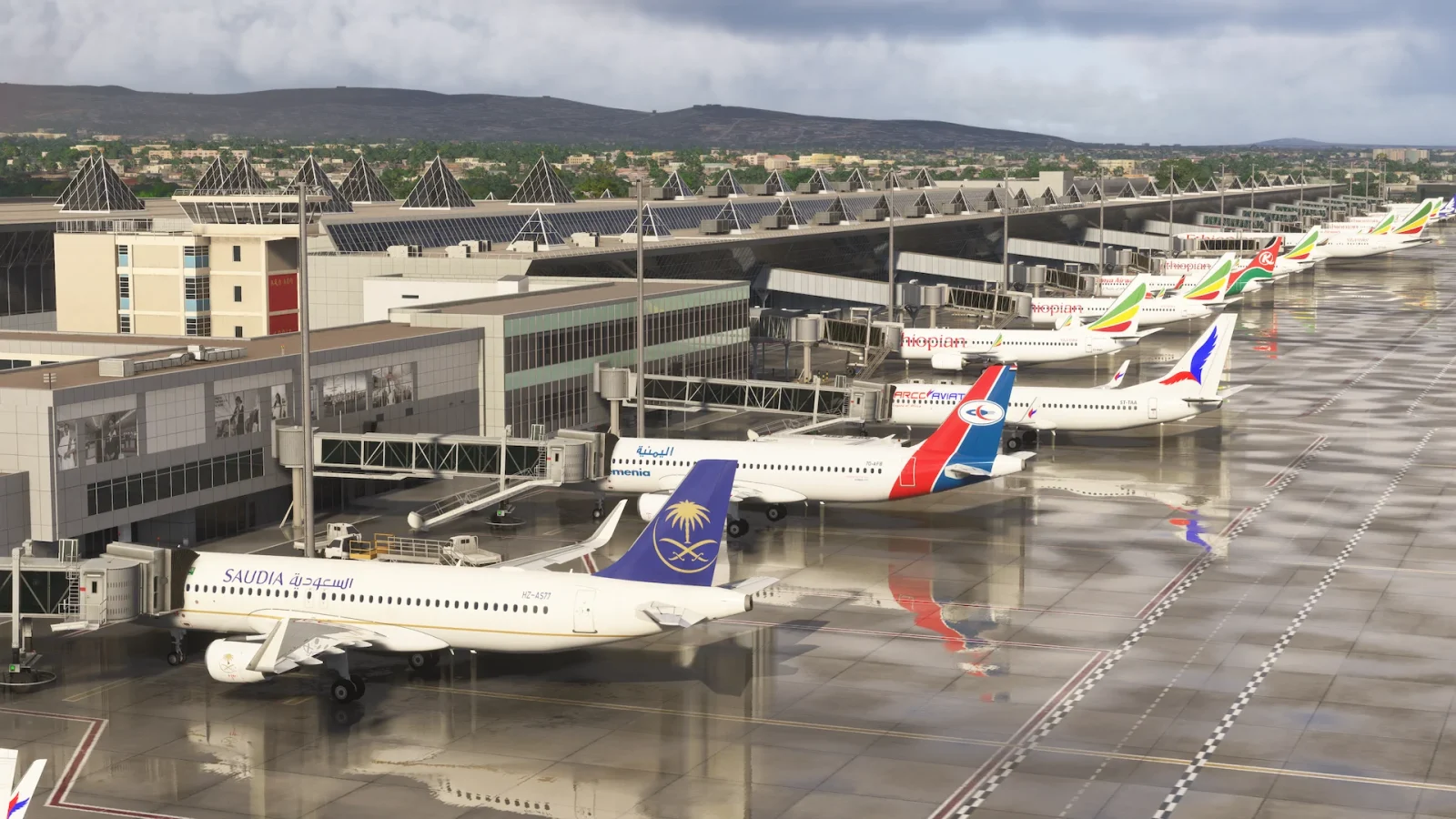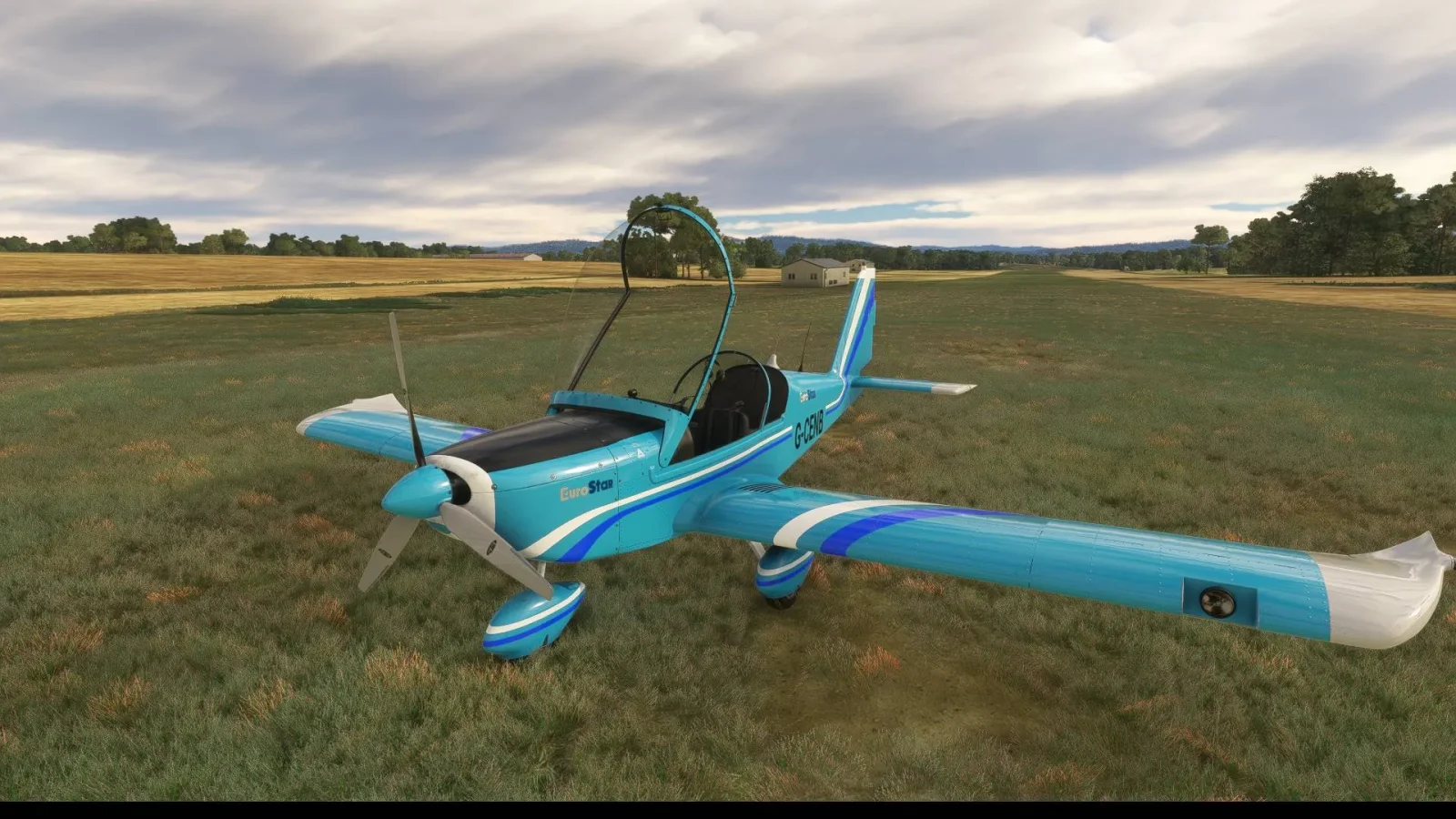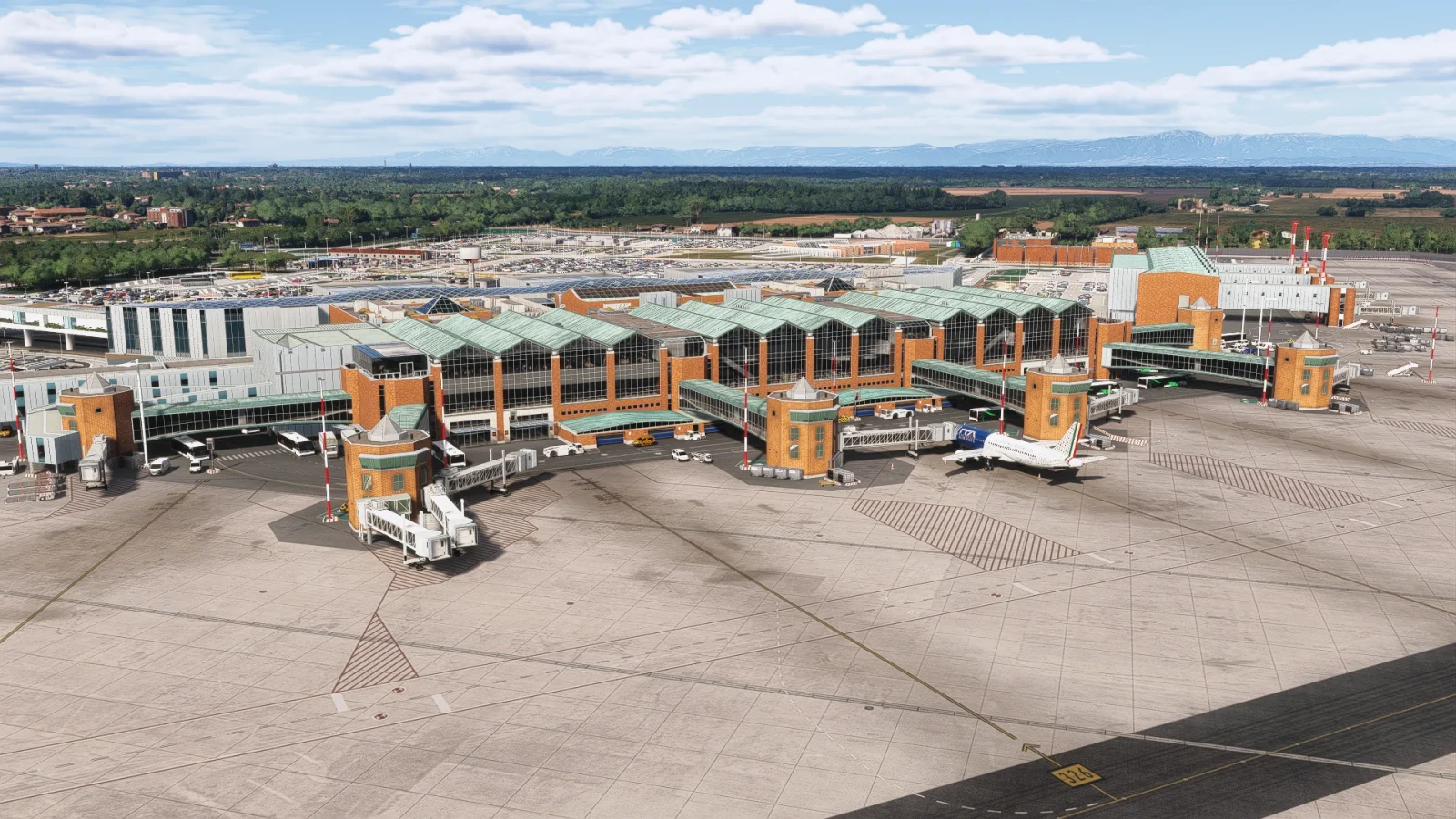

Microsoft Flight Simulator 2024 is the latest platform aiming to provide flight simulation enthusiasts with enhanced visuals and immersion as they take to the skies in a global virtual world. Building on its predecessor, MSFS 2020, this iteration harnesses advanced cloud computing and machine learning technologies to deliver a more realistic and dynamic experience. At least, that’s the promise!
However, with these visual enhancements comes the challenge of balancing graphical fidelity with optimal performance. The simulator’s extensive graphical settings can be daunting, leaving users uncertain about which adjustments will yield the best experience on their specific hardware configurations.
Fortunately, the YouTube channel Dwindling FPS has produced a comprehensive guide that demystifies these settings, offering valuable insights into achieving the ideal balance between stunning visuals and smooth performance.
With countless hardware setups, personal preferences, and use cases, there’s no one-size-fits-all solution, but Dwindling FPS gives you the tools to make informed decisions.
Balancing beauty and performance
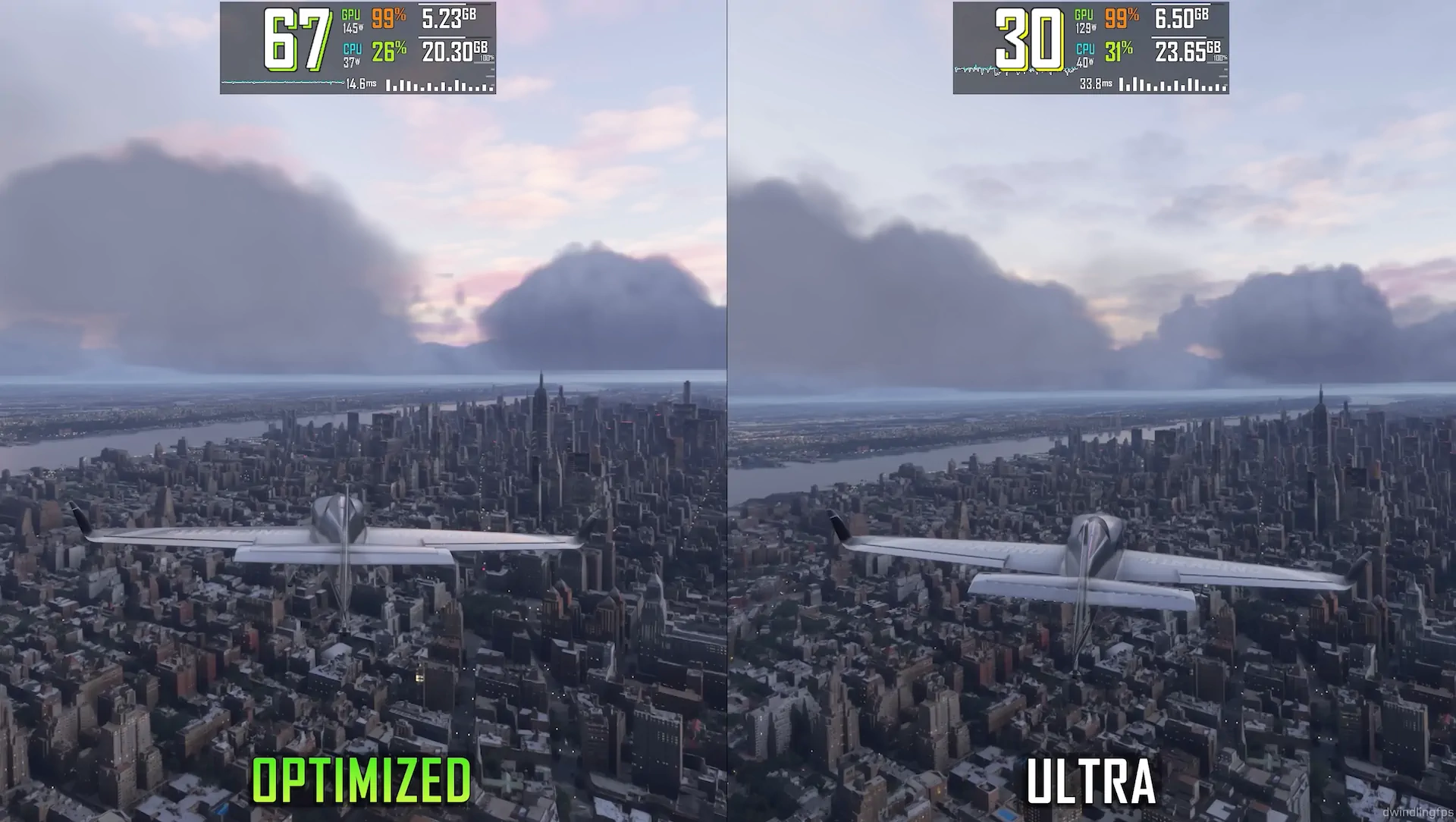
The video goes setting by setting, showing how each tweak impacts visuals and FPS. For some options, the difference is so minor you’d need a side-by-side comparison (or binoculars) to notice it. For others, the visual impact is significant but comes at a steep FPS cost. The goal is finding that sweet spot where you get the best visuals without turning your GPU into a furnace. Let’s break down the most interesting findings!
Terrain LOD: the FPS heavyweight
Terrain Level of Detail (LOD) is a setting that governs how far the sim draws detailed terrain. This is the big one—the setting that can make or break your performance. Going from LOD 10 to 100 transforms the landscape: hills turn into mountains, cities become recognizable, and the ground stops looking like a low-res texture map.
Beyond LOD 100, though, diminishing returns kick in. At LOD 400 (the max setting), the FPS drop is substantial, but the visual difference compared to LOD 200 or even 300 is subtle. If you’re flying at high altitudes or focusing on cockpit work, scaling this back can save precious frames without compromising the experience.

Trees and plants: nice to have, but not FPS-friendly
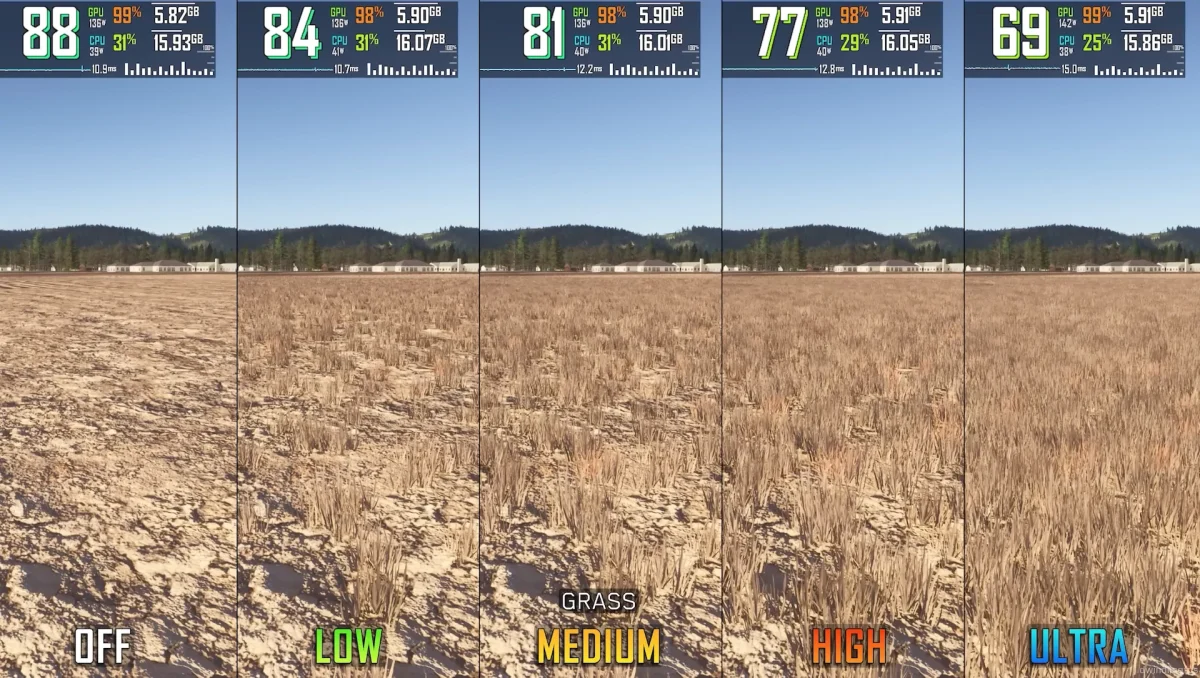
Vegetation settings cover trees, shrubs, and other greenery in the sim. These settings can impact both visuals and performance more than you’d expect:
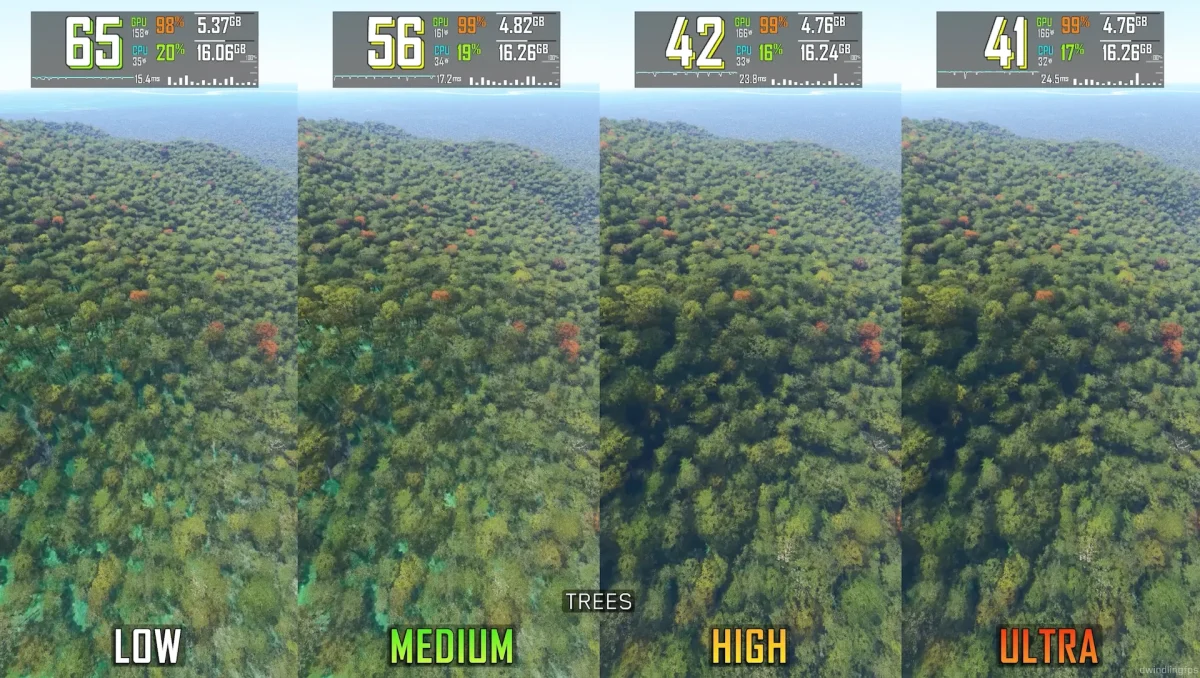
- Trees: The jump from Medium to High adds lovely shadows to the foliage. However, the difference between High and Ultra is negligible, with the latter demanding much more from your system. High is perhaps the sweet spot for most simmers.
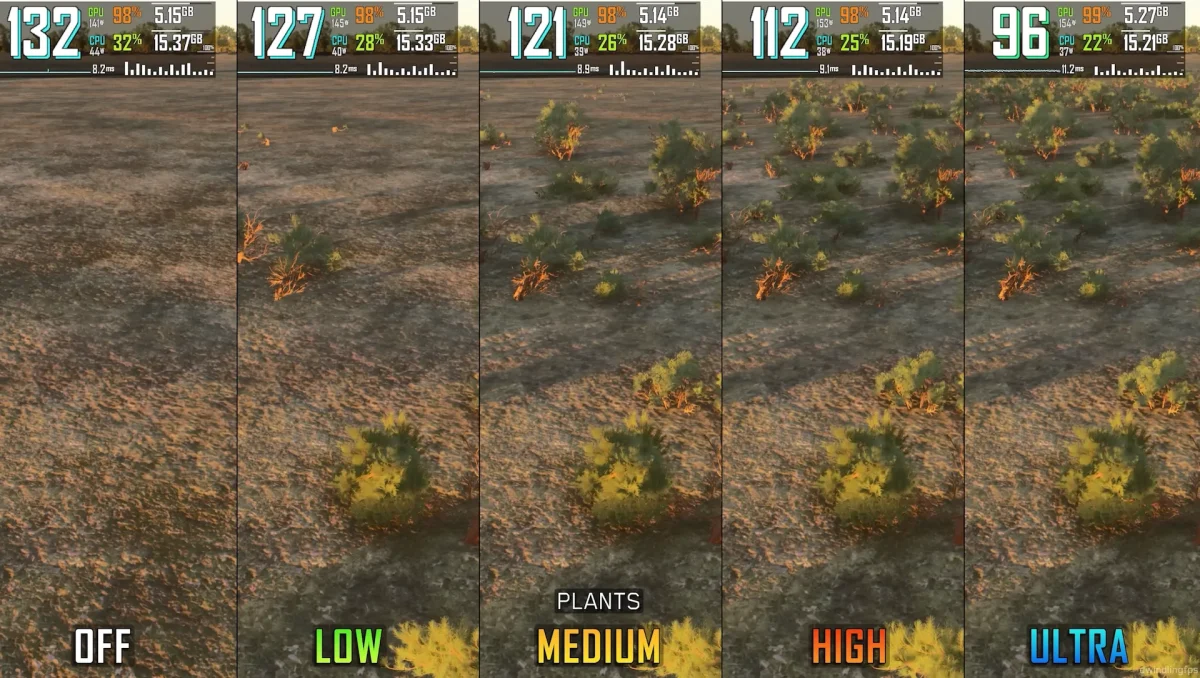
- Plants: Similar to trees, the setting for general plant density doesn’t add much past High, but it comes with a performance penalty of around 14% when pushed to Ultra.

Terrain shadows: where to draw the line
Terrain Shadows might not sound exciting, but this setting has a surprising impact on both visuals and FPS. You can choose values from OFF to 256, 512, 1024, and 2048.
- From OFF to 256, the improvement is significant.
- Beyond 256, the improvements become hard to notice, but the FPS hit is substantial. If you’re looking for a performance-friendly setting, 256 is a great choice to keep visuals sharp without tanking your FPS.

Texture resolution: less of a headache
Good news here: texture resolution is one of the lighter settings in terms of performance impact. Whether you’re on Low, Medium, High, or Ultra, the FPS difference is minimal. If you’ve got VRAM to spare, Ultra textures are worth it, giving crisp cockpit panels and detailed scenery.

Download the latest DLSS version
For those using NVIDIA’s DLSS, downloading the latest version is highly recommended. Simply replace the older file in the MSFS folder to get the most out of this AI-powered upscaling tool.
At the end of the video, Dwindling FPS includes a table summarizing the FPS cost of each setting, from its lowest to highest value. This is very helpful for tweaking your sim:
- It highlights settings like Terrain LOD, which demand major sacrifices in FPS.
- It also points out “safe” settings, like light shafts, where you can crank up the visuals without worrying about performance.


Optimized settings
The video concludes with Dwindling FPS’s recommended “optimized settings”—a carefully chosen configuration that balances performance and graphical fidelity.
Of course, your results may vary depending on your hardware. Microsoft Flight Simulator is notoriously demanding, and its performance depends on everything from your CPU and GPU to RAM and even your SSD. But having a baseline guide is invaluable.


If you’ve been trying to squeeze every drop of performance out of MSFS 2024 without sacrificing its jaw-dropping visuals, Dwindling FPS’s guide is a must-watch. It gives you the insights you need to customize your settings.
Remember, tweaking graphics is a marathon, not a sprint. Each slider you move can impact your sim’s visuals and performance, and it’s worth taking the time to find what works for your unique setup. Check out the video, experiment with the settings, and enjoy smoother flights with minimal visual compromise!